HR & People: Attendance, Leave, Payroll & Feedback
A tour of wrrk's built-in HR suite — attendance, leave, payroll, and feedback — and who can see what.
HR & People
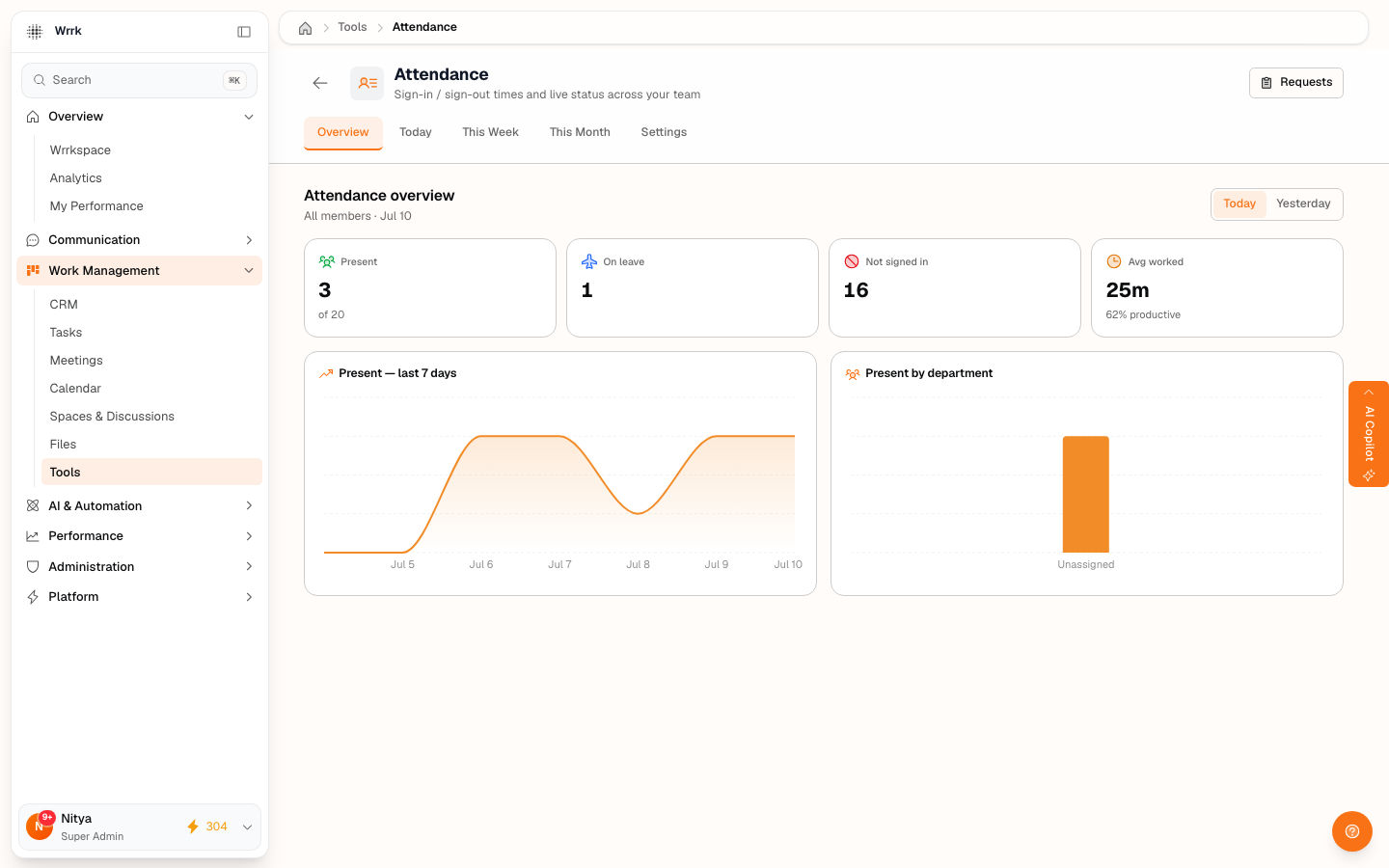
wrrk includes a built-in HR suite for the everyday people-operations your team needs — tracking attendance, requesting time off, running payroll, and giving feedback. You'll find these under Work Management → Tools, grouped in the HR & People and Finance sections.
What's included
- Attendance — sign-in / sign-out times and live "who's in today" status across your team.
- Leave Requests — request time off, track balances, and approve your team's leave.
- Payroll — run payroll from attendance and leave, and view payslips.
- Feedback — run review cycles (self / manager / peer / 360) and let employees acknowledge their reviews.
- Recruitment — post jobs and track applicants.
Who can see what
HR data respects your role and reporting line:
- Everyone sees their own attendance, leave balance, and payslips.
- Managers can see and approve for the people who report to them.
- Super admins (and anyone granted the matching HR permission) can manage org-wide settings, policy, and payroll.
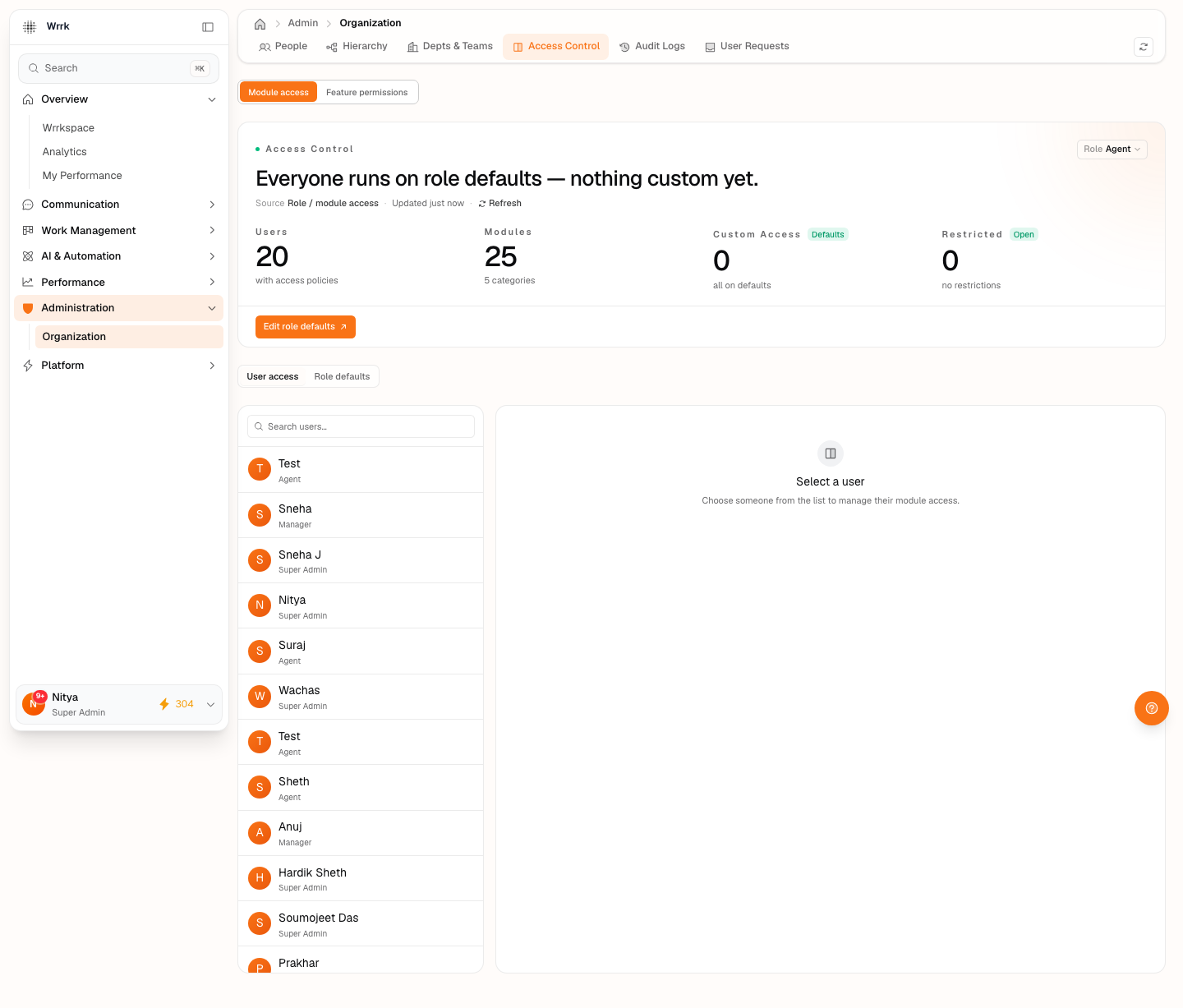
Sensitive actions — running payroll, setting salaries, editing leave policy — are restricted by default. An admin can delegate individual HR permissions to a manager from Administration → Organization → Access Control without granting full admin rights.
Tags
Related Articles
Attendance: Live Status & Timesheets
How attendance works — automatic sessions, the live overview, correcting a session, and shift/holiday settings.
Leave Requests & Balances
Request time off, read your balances, and approve your team's leave — plus how leave policy is set.
Payroll & Payslips
View your payslip, and (for admins) run payroll from attendance + leave. Payroll is estimation + export, not payroll-of-record.
Feedback & Performance Reviews
Run review cycles (self / manager / peer / 360) and acknowledge reviews written about you.