Leave Requests & Balances
Request time off, read your balances, and approve your team's leave — plus how leave policy is set.
Leave Requests
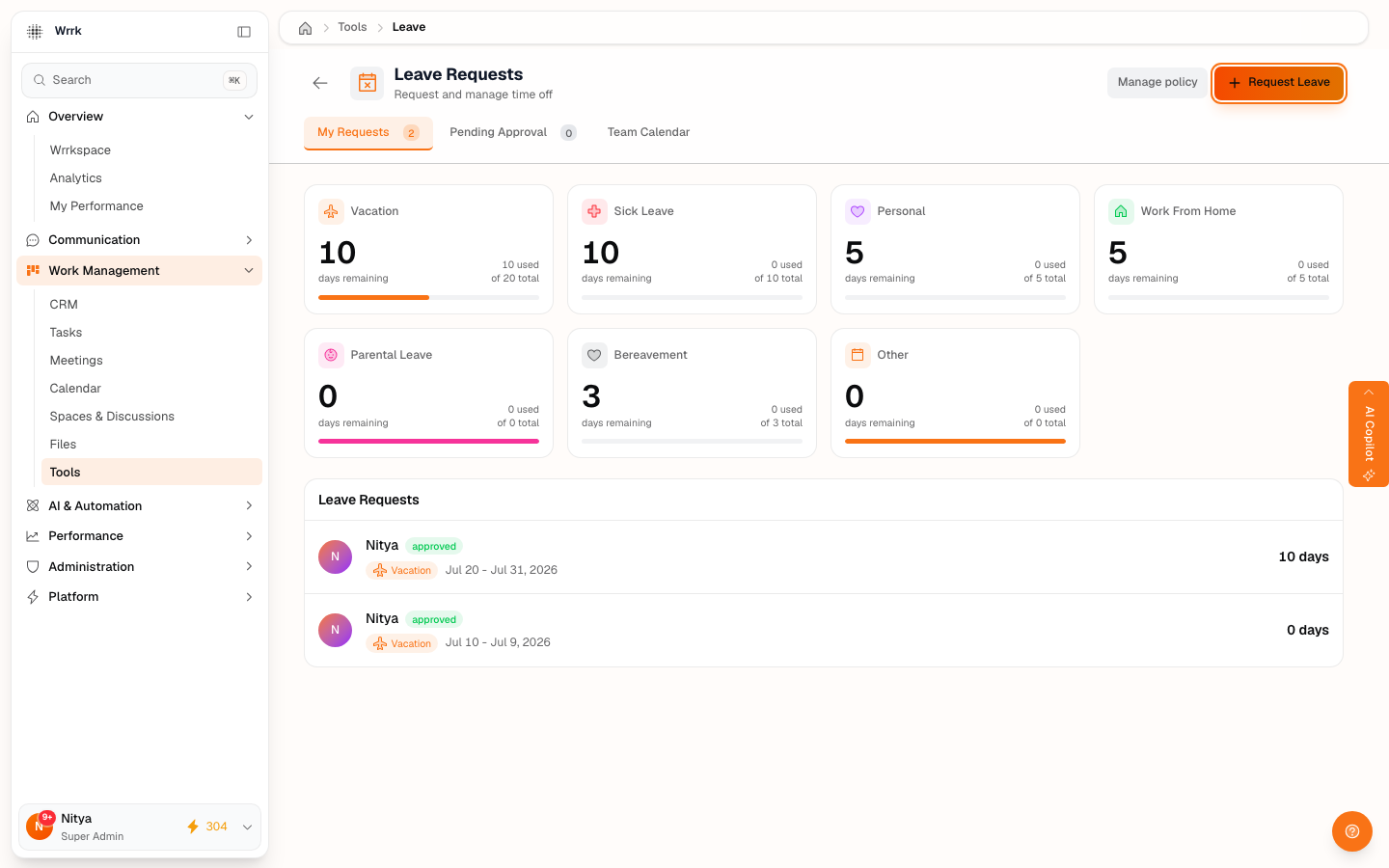
Request time off, track how many days you have left, and — if you're a manager — approve your team's requests, all from Tools → Leave Requests.
Your balances
The cards at the top show your remaining balance for each leave type your organization grants — for example Vacation, Sick, Personal, Work From Home, Parental, Bereavement, and Other. Each card shows days remaining out of your total entitlement, so you always know where you stand before requesting.
Requesting time off
- Click Request Leave (top right).
- Choose the leave type and the start / end dates.
- Add an optional reason and submit.
Your request goes to your manager for approval and appears under My Requests with a status of pending, approved, rejected, or cancelled. Approved leave automatically shows up as "On leave" on the attendance board and is factored into payroll.
Approving leave (managers)
The Pending Approval tab lists requests from the people who report to you. Approve or reject each one — the requester is notified either way. You can only approve for your own reports; approving your own request isn't allowed.
Leave policy (admins)
Admins set the annual entitlement per leave type under Manage policy. Balances everyone sees are computed from this policy plus their approved and pending requests for the year.
Tags
Related Articles
HR & People: Attendance, Leave, Payroll & Feedback
A tour of wrrk's built-in HR suite — attendance, leave, payroll, and feedback — and who can see what.
Attendance: Live Status & Timesheets
How attendance works — automatic sessions, the live overview, correcting a session, and shift/holiday settings.
HR Widgets on Your Wrrkspace Dashboard
Pin My Leave, My Attendance, My Payslip, and Pending Approvals to your Wrrkspace dashboard.