Feedback & Performance Reviews
Run review cycles (self / manager / peer / 360) and acknowledge reviews written about you.
Feedback
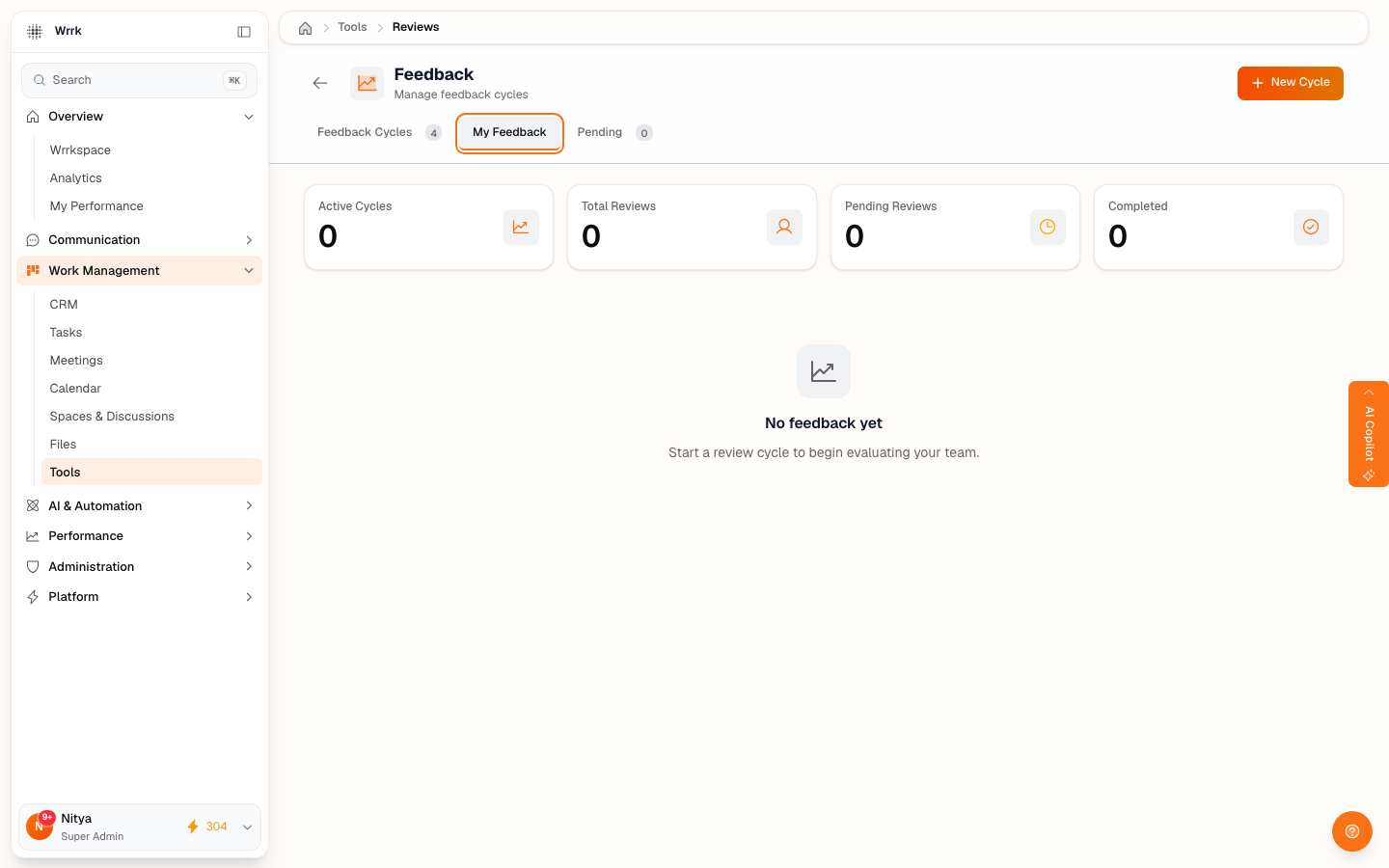
The Feedback tool runs performance-review cycles and lets employees acknowledge the reviews written about them. Open it from Tools → Feedback.
Cycles, reviews & types
Admins create a Feedback Cycle (a review period) from the Feedback Cycles tab. Within a cycle you add reviews of four kinds:
- Self — you review yourself.
- Manager — a manager reviews a report.
- Peer — a colleague reviews a colleague.
- 360 — feedback gathered from multiple perspectives.
A reviewer fills in ratings across categories, an overall score, and notes on strengths, improvements, and goals, then submits.
My Feedback & acknowledging a review
The My Feedback tab shows reviews written about you. When a review of you has been submitted, an Acknowledge button appears on it. Clicking Acknowledge confirms you've seen and read your review — its status changes from submitted to acknowledged, with the date recorded.
> Don't see an Acknowledge button? It only appears on a review that is about you and has been submitted. If no one has submitted a review of you yet, there's nothing to acknowledge — the tab shows "No feedback yet."
Pending
The Pending tab shows reviews still waiting on you to complete as a reviewer.
Tags