Attendance: Live Status & Timesheets
How attendance works — automatic sessions, the live overview, correcting a session, and shift/holiday settings.
Attendance
Attendance tracks sign-in / sign-out times and shows a live view of who's working right now — no manual clock required for most teams. Sessions open automatically when you sign in to wrrk and close when you sign out or go idle.
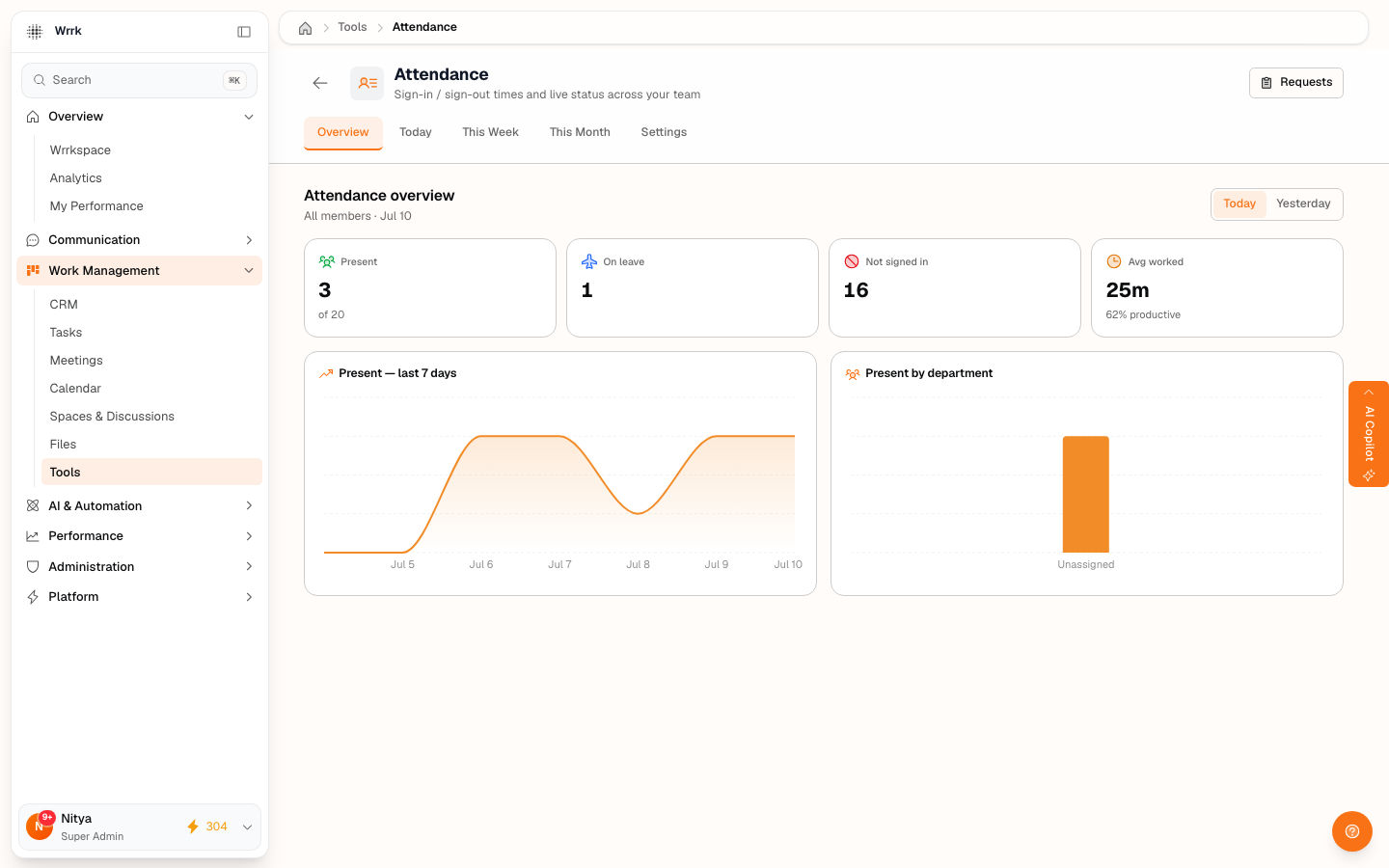
The overview
Open Tools → Attendance. The Overview tab shows, for the selected day:
- Present — how many of your team are working.
- On leave — who's on approved time off.
- Not signed in — who hasn't started yet.
- Avg worked — average hours across the team, with a productivity estimate.
Use the Today / This Week / This Month tabs to change the period, and the Today / Yesterday toggle to compare days.
Correcting a session (regularization)
If a sign-in or sign-out time is wrong, request a correction: open your day and submit a regularization request with the corrected time and a reason. Your manager (or a super admin) reviews it from the requests queue and approves or rejects it. Approved corrections update your timesheet, which payroll then reads.
Settings (admins)
Under Settings, admins configure shifts (working hours per person / team / department), holidays (org-wide, per-department, or per-team), the timezone, and grace / half-day policy. These settings drive the "expected hours" every attendance calculation compares against.
Tags
Related Articles
HR & People: Attendance, Leave, Payroll & Feedback
A tour of wrrk's built-in HR suite — attendance, leave, payroll, and feedback — and who can see what.
Leave Requests & Balances
Request time off, read your balances, and approve your team's leave — plus how leave policy is set.
Payroll & Payslips
View your payslip, and (for admins) run payroll from attendance + leave. Payroll is estimation + export, not payroll-of-record.