HR Widgets on Your Wrrkspace Dashboard
Pin My Leave, My Attendance, My Payslip, and Pending Approvals to your Wrrkspace dashboard.
HR Widgets
Instead of opening the Tools every time, you can pin the HR actions you use daily right onto your Wrrkspace dashboard as widgets.
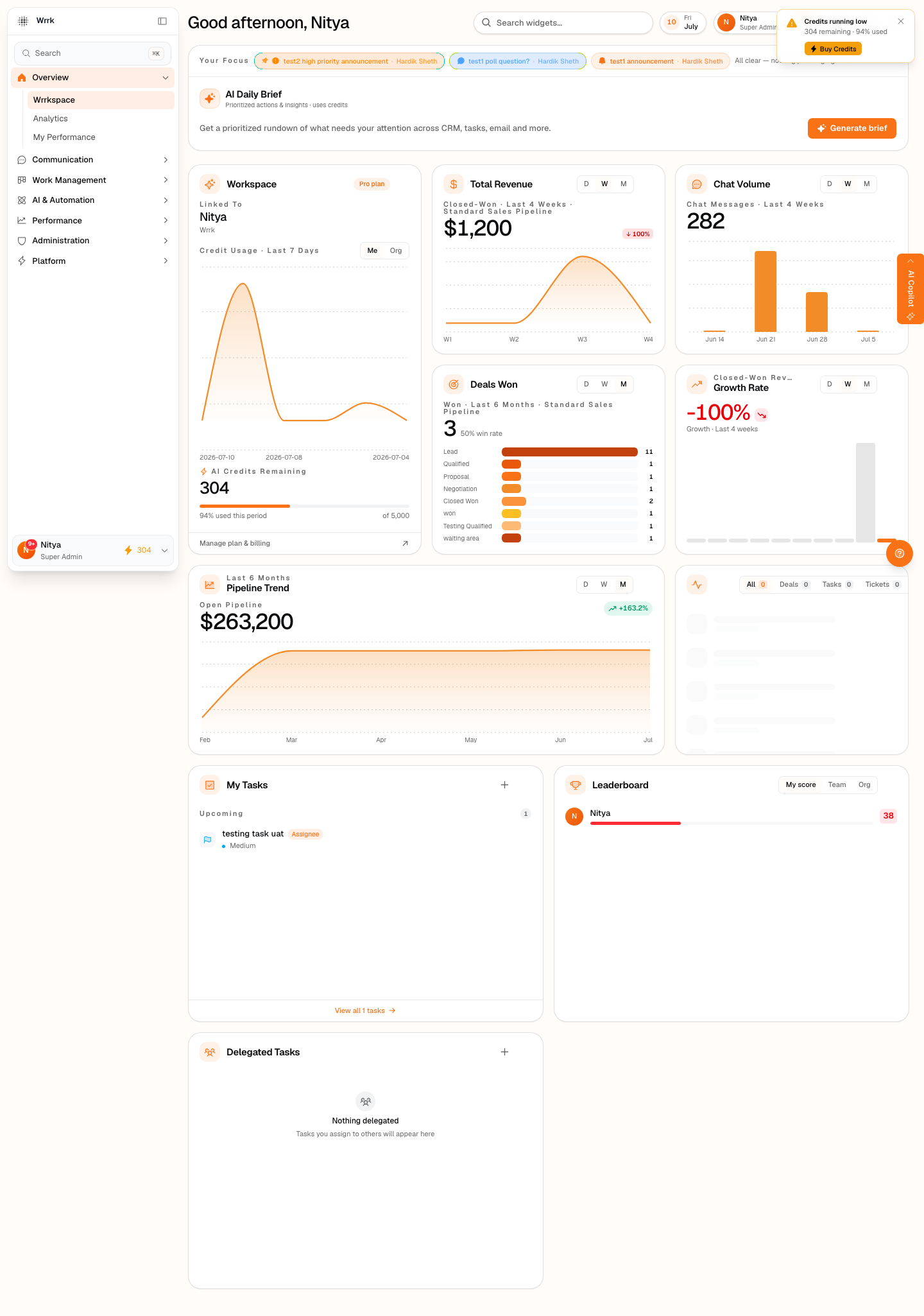
Adding an HR widget
- Go to Overview → Wrrkspace.
- Enter edit mode (Customize layout) and open the widget gallery.
- Add any of the HR widgets, then drag to position and resize.
The HR widgets
- My Leave — your remaining balance per leave type, with a one-click "Request time off".
- My Attendance — your status and hours worked today.
- My Payslip — a summary of your latest payslip (net pay, gross, deductions).
- Pending Approvals — for managers: leave and attendance-correction requests awaiting your decision, with inline approve / reject.
Who sees which widget
The self-service widgets (My Leave, My Attendance, My Payslip) show your own data to anyone. Pending Approvals only appears for people who can approve — so a widget never exposes something you're not allowed to see. Availability follows the same roles-and-responsibilities rules as the rest of HR.
Tags
Related Articles
HR & People: Attendance, Leave, Payroll & Feedback
A tour of wrrk's built-in HR suite — attendance, leave, payroll, and feedback — and who can see what.
Leave Requests & Balances
Request time off, read your balances, and approve your team's leave — plus how leave policy is set.
Navigating the Wrrkspace Dashboard
A tour of the Wrrkspace dashboard, sidebar navigation, and command bar.