Acceptance rate and auto-pause safety
Auto-pause flips running campaigns to paused if your acceptance rate dips below the safety threshold (default 30%).
Acceptance rate and auto-pause safety
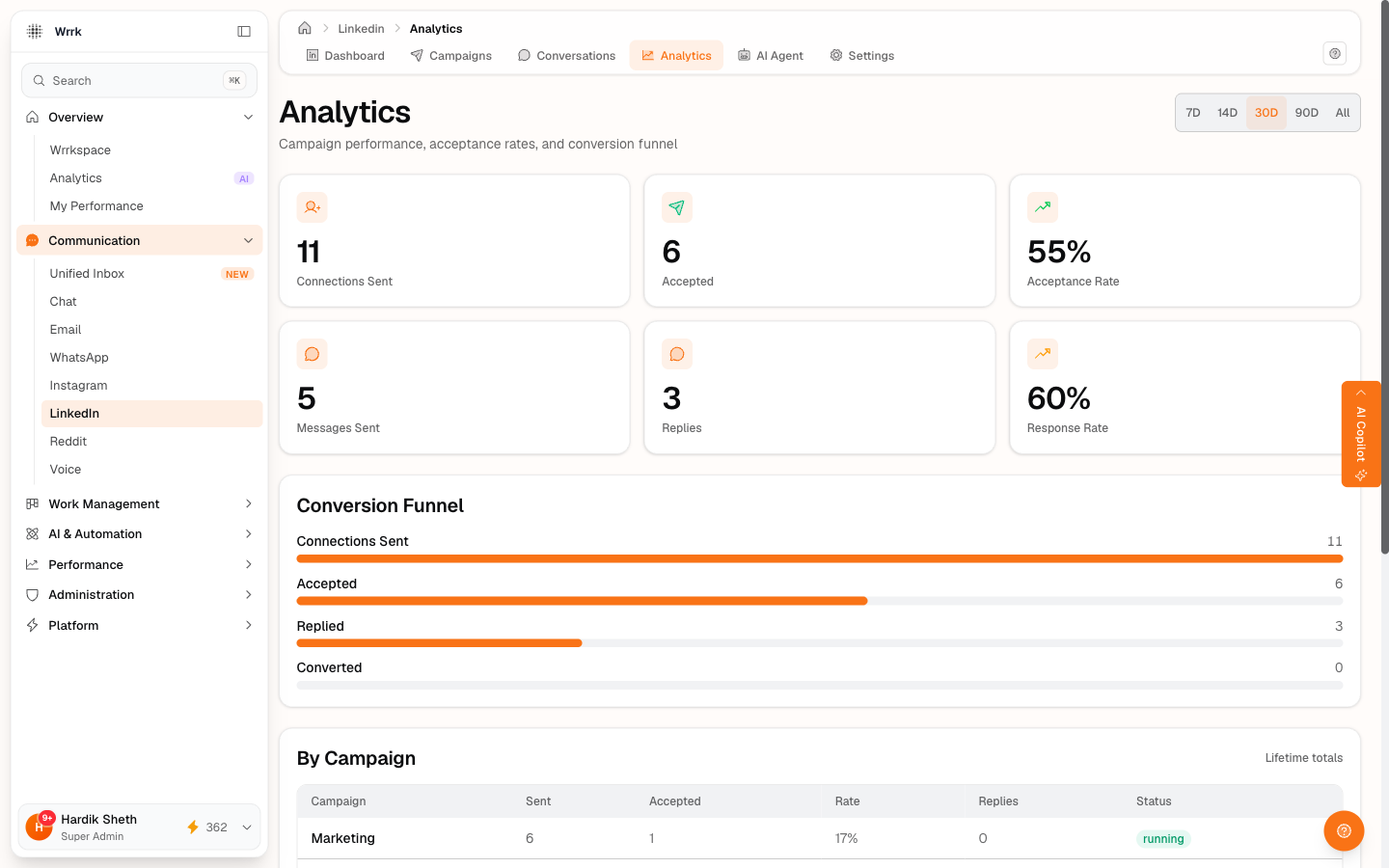
LinkedIn cracks down on accounts with chronically low acceptance rates, they treat it as spam. wrrk has a safety net to stop you before LinkedIn does.
How acceptance rate is computed
It's the ratio of observed accepts to sent invites across all running campaigns on a connected account, calculated server-side. wrrk only ticks the "sent" counter when you confirmed Yes, sent on a Send Queue item. Same for accepts, only your confirmed Yes, accepted clicks count.
What that means: the rate reflects your confirmed reality, not LinkedIn's truth. If you Click "Yes, sent" but didn't actually send anything, your rate will look artificially low. If you mark Already connected (rightly) for people who were already connections, those don't count against the denominator, keeping the rate accurate.
The auto-pause threshold
In LinkedIn → Settings, the "Auto-pause if acceptance rate drops below %" field sets your safety threshold. Default: 30%.
After you've sent a meaningful sample (~10 confirmed invites), wrrk checks the rate after each send and accept. If it falls below the threshold, every running campaign on that account flips to paused and you get a toast:
> "Auto-paused N campaign(s), acceptance rate is below your safety threshold. Adjust your note or relax the threshold in Settings."
What to do when it fires
- Don't panic. Auto-pause is a safety net, your account isn't in any danger from this trip.
- Look at the prospects. Are they the right ICP? Are the personalized notes actually personalized?
- Edit the campaign's connection note to be more compelling, then re-launch.
- Or lower the threshold in Settings if you genuinely accept the lower rate (e.g., outbound to cold high-value targets where 15% accept is fine).
What "meaningful sample" means
About 10 confirmed invites. Below that, the auto-pause check is suppressed, one bad luck day shouldn't pause every campaign you have.
Same check, two paths
The auto-pause logic lives in a shared module so the manual confirmation flow and the (future) webhook-driven flow produce identical results. Whichever path observed the event, the safety state stays consistent.
Tags
Related Articles
Check who accepted your invites
24h+ invites surface for confirmation on the dashboard. Same flow available inline on Recipients tab rows. Yes accepted, Still waiting, or Withdraw, all user-confirmed.
LinkedIn free vs Premium, what changes for outreach
Free accounts cap personalized invites at 5/month. Tick the Premium checkbox in Settings to suppress the warning.
Pause, resume, edit, or delete a campaign
Pause / Resume on running campaigns. Edit on draft/scheduled/paused. Hard-delete only on draft or cancelled.