Unified Inbox Overview
Manage all your messages from every channel in one unified inbox.
Unified Inbox Overview
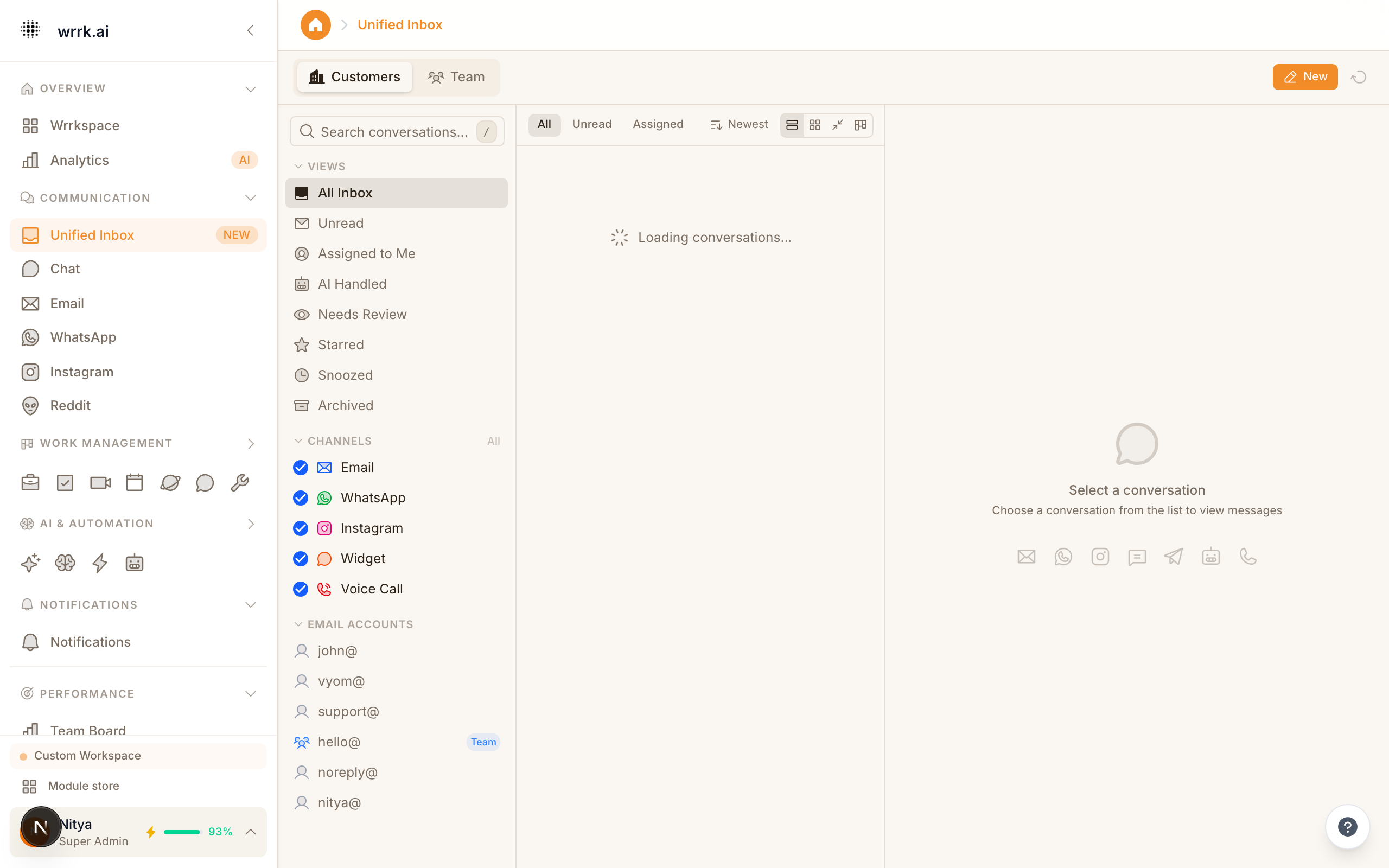
The Unified Inbox is a single view that aggregates messages from all your connected channels: email, WhatsApp, Instagram, and internal chat.
Why a Unified Inbox?
Without a unified inbox, your team constantly switches between email, WhatsApp, and other apps. Messages get missed, response times suffer, and context is lost. The Unified Inbox solves this by bringing everything into one place.
How It Works
- Connect your channels (email, WhatsApp, Instagram, etc.).
- All incoming messages appear in the Unified Inbox, sorted by most recent.
- Each message shows the channel icon (envelope for email, WhatsApp logo for WhatsApp, etc.) so you know where it came from.
- Click any message to open it and respond, the response is sent through the original channel.
Features
Smart Sorting: Messages are sorted by urgency and recency. AI can prioritize messages based on content, sender importance, and response time SLA.
Assignment: Assign conversations to specific team members. Unassigned conversations appear in the shared queue.
Filters: Filter by channel, assigned agent, status (open, pending, resolved), or tags.
Quick Reply: Type a response and press Enter. The reply is sent through the same channel the customer used.
Bulk Actions: Select multiple conversations to assign, tag, or resolve in bulk.
Status Indicators
- Open: Awaiting a response from your team.
- Pending: Waiting for the customer to respond.
- Resolved: Conversation is complete.
- Snoozed: Temporarily hidden; will reappear at a scheduled time.
Tips
- Use the Snooze feature for messages that need follow-up later.
- Set up auto-assignment rules to distribute conversations evenly.
- Enable notification sounds so you never miss an urgent message.
- Review the Unassigned queue regularly to catch conversations that slipped through.
Tags