Set up your sending domain (DKIM, SPF, DMARC)
Configure DKIM, SPF, and DMARC records so Gmail, Outlook, and Yahoo trust email sent from your domain through wrrk.
Set up your sending domain
To send email reliably from wrrk using your own domain, you need to tell ISPs (Gmail, Outlook, Yahoo) that wrrk is allowed to send on your behalf. That takes 3 short DNS records: DKIM, SPF, and DMARC.
This guide walks through each one, with registrar-specific steps for the most common providers.
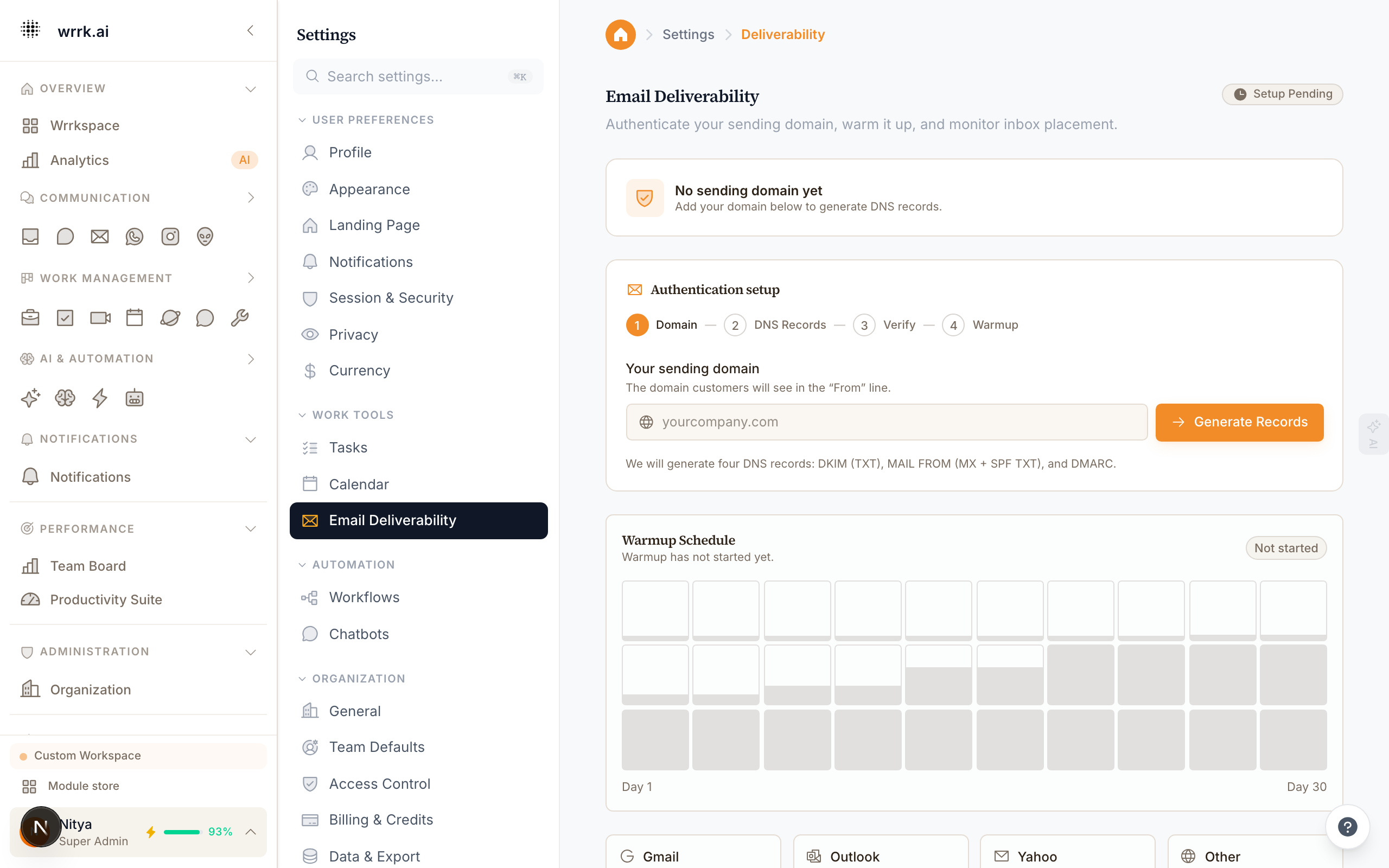
What are DKIM, SPF, and DMARC?
- DKIM (DomainKeys Identified Mail): a cryptographic signature ISPs use to confirm that a message wasn't tampered with in transit and that it really came from your domain. wrrk gives you a TXT record (BYODKIM) or 3 CNAME records to add.
- SPF (Sender Policy Framework): a TXT record listing who is allowed to send from your domain. You add
include:amazonses.comso Gmail knows wrrk's sending infrastructure is authorized. - DMARC (Domain-based Message Authentication, Reporting and Conformance): a TXT record that tells receivers what to do when DKIM/SPF fail (ignore, quarantine, or reject). You start with
p=noneto monitor, then tighten top=quarantineand finallyp=reject.
Without all three, your emails may land in spam or be silently dropped, especially by Gmail and Yahoo, which enforce strict requirements for bulk senders (5k+/day) as of Feb 2024.
Step 1: Add DKIM records
Open Email Warmup, then expand Domain & link setup and enter your sending domain. wrrk generates DKIM records for you.
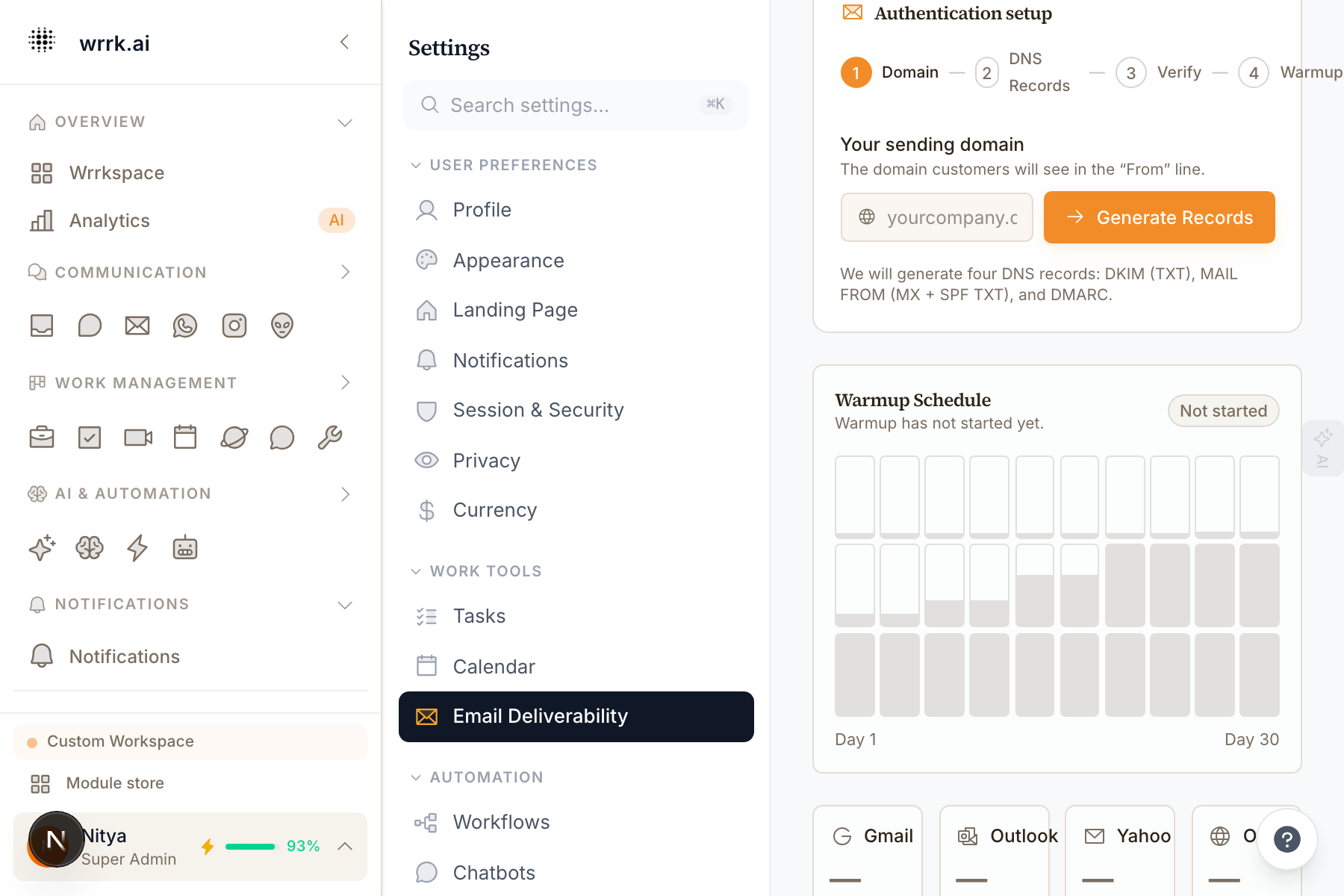
Registrar-specific steps:
Hostinger: Hosting → Manage → Advanced → DNS Zone Editor. Name: prefix only (e.g. abc123._domainkey), don't append the domain. Target: the full CNAME target.
GoDaddy: My Products → DNS → Add New Record → Type: CNAME. Name = prefix only (GoDaddy auto-appends domain).
Cloudflare: DNS → Records → Add Record. Proxy status must be DNS only (gray cloud). Orange cloud breaks DKIM because Cloudflare's proxy rewrites CNAMEs.
Route53: Hosted zones → Create record. Record name: prefix only. Type: CNAME.
Namecheap, Google Domains, Squarespace: Same pattern: prefix on left, target on right. If your registrar auto-appends the domain, paste only the prefix; otherwise paste the full host.
Step 2: Add an SPF record
If you don't already have an SPF record:
Type: TXT
Name: @ (or yourdomain.com)
Value: "v=spf1 include:amazonses.com ~all"
TTL: 3600
If you already have an SPF record (Microsoft 365, Google Workspace, etc.), add include:amazonses.com to the existing one, do not create a second SPF record. Only one SPF record per domain.
Before + after:
Before: "v=spf1 include:_spf.google.com ~all"
After:  "v=spf1 include:_spf.google.com include:amazonses.com ~all"
Step 3: Add a DMARC record
Start in monitoring mode so legitimate mail isn't blocked while you verify everything works:
Type: TXT
Name: _dmarc
Value: "v=DMARC1; p=none; rua=mailto:dmarc@yourdomain.com; pct=100; aspf=r; adkim=r"
TTL: 3600
Replace dmarc@yourdomain.com with an inbox you actually check. Reports arrive as XML; tools like dmarcian.com render them.
DMARC progression (2–4 weeks):
| Phase | Policy | When to switch |
|---|---|---|
| Monitor | p=none | Week 0, day you set up DKIM + SPF. |
| Quarantine | p=quarantine | After 1–2 weeks of clean DMARC reports. |
| Reject | p=reject | After 1–2 weeks on quarantine with no complaints. |
Step 4: Verify in wrrk
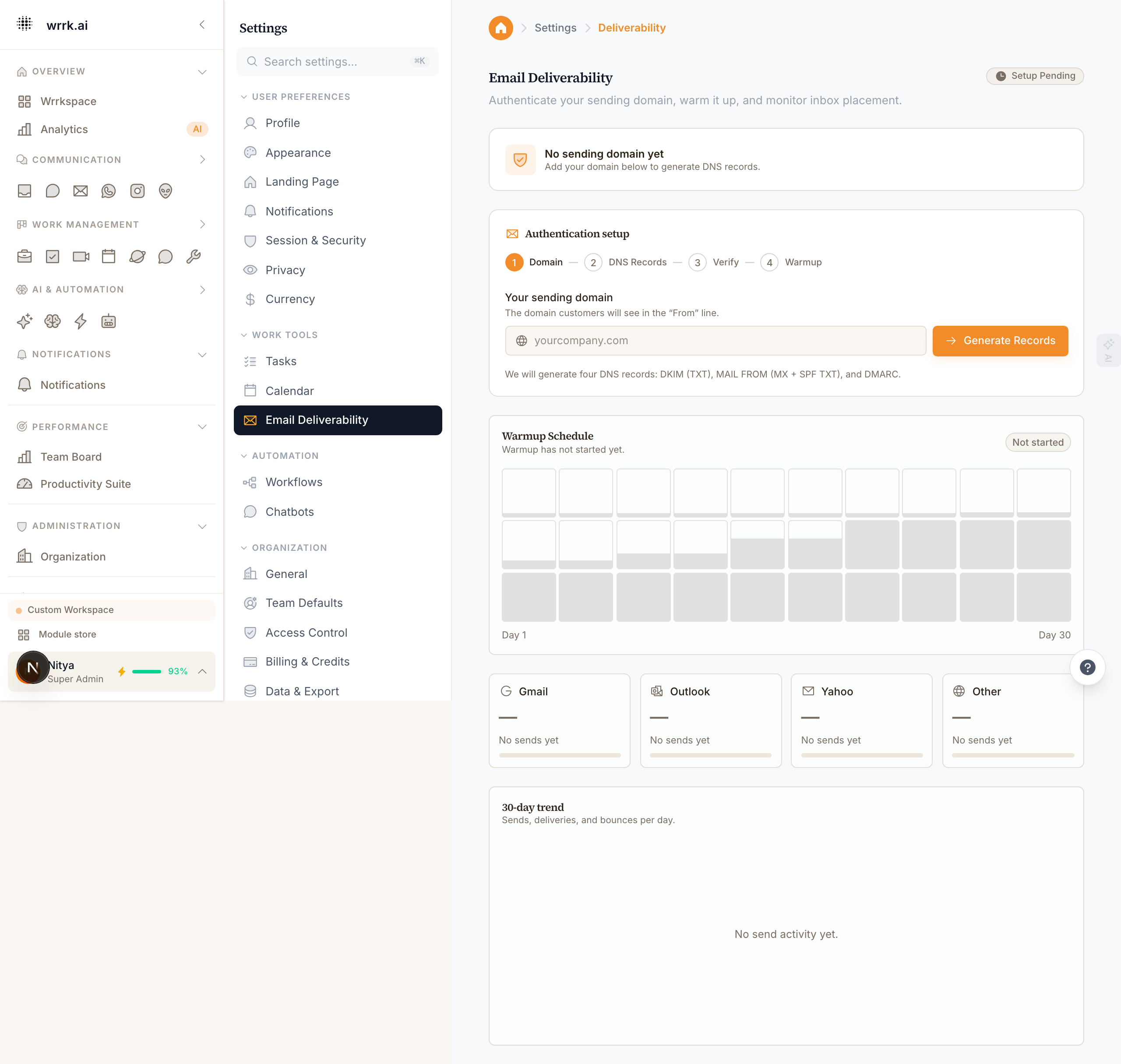
- Return to Email Warmup and expand Domain & link setup.
- Click Verify domain.
- wrrk polls your DNS. Typical verification time:
- Cloudflare: seconds.
- Route53: 1–5 minutes.
- GoDaddy, Namecheap, Hostinger: 15–60 minutes.
- Up to 48h in rare cases.
- Once all three records pass, the domain flips to Verified and ramp-up begins automatically.
Troubleshooting
"CNAME record not found": Check with dig abc123._domainkey.yourdomain.com CNAME +short. If empty, it hasn't propagated; if wrong, fix the target.
"Record found but points to the wrong value": Most common cause: your registrar auto-appended the domain when it shouldn't. Remove the domain suffix from the Name; use only the prefix.
"DMARC record failed syntax check": Quotes matter. Straight double quotes, not smart quotes from copy-paste.
"Verification stuck on one CNAME": Cloudflare: ensure proxy is DNS-only (gray cloud). GoDaddy: check for trailing whitespace in Name/Data.
Still stuck: Email support@wrrk.ai with the exact records you added. We'll run a DNS trace and tell you what propagated.
Tags
Related Articles
Sending limits and ramp-up
Understand mailbox sending limits, provider caps, pauses, and the current deliverability settings surface.
Reading your email reputation dashboard
Understand what the four ISP gauges, 30-day trend chart, and pause banner on the reputation dashboard mean, and what to do when the numbers drift.
BIMI, show your logo in Gmail
Configure BIMI using current domain, DMARC, SVG, certificate, and DNS requirements.
Connecting Email Accounts
Connect Gmail, Outlook, or custom IMAP email accounts to wrrk.