Voice AI for Business Calls: A Complete Guide
Voice AI for business calls uses natural language processing to handle inbound and outbound customer interactions autonomously. Discover how it works and why it matters.

Most small and mid-size businesses lose leads during peak call volumes—or waste hours manually qualifying prospects and handling routine inquiries. Voice AI for business calls is technology that uses natural language processing and machine learning to answer, route, qualify, and resolve customer calls without human intervention. Recent industry momentum shows real traction: Ringg's AI agents now resolve up to 65% of customer calls with OpenAI integration, while companies like SurFox AI have launched dedicated platforms to qualify callers and book appointments directly on the call. For teams managing customer service, sales prospecting, or appointment scheduling, voice AI transforms how calls are handled—reducing response time from hours to seconds, and freeing your team to focus on high-value conversations. This guide walks you through what voice AI does, how it fits into your workflow, and how to evaluate it for your business.
01
How Does Voice AI Handle Inbound and Outbound Calls?
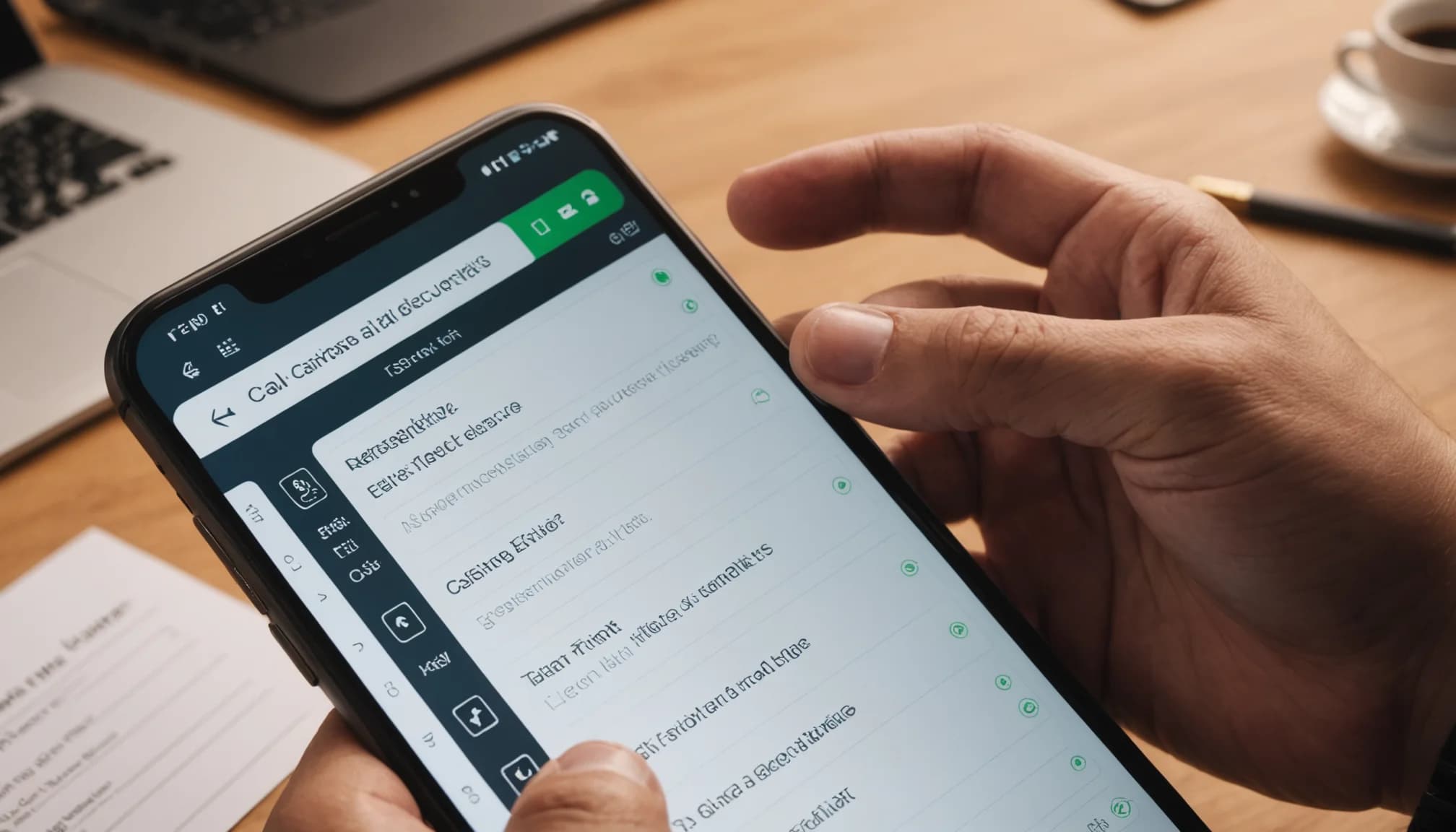
Voice AI systems work by intercepting calls, transcribing speech in real-time, and using large language models to understand intent and respond contextually. When a call arrives, the AI answers immediately—eliminating wait times—and asks qualifying questions based on your business rules. For inbound leads, this means capturing caller information, assessing fit, and either booking an appointment or routing the call to a human agent with full context already in hand. The system learns from each call, improving accuracy and handling over time.
Outbound voice AI takes a different shape. Instead of answering calls, it initiates them—dialing prospects, delivering your message, handling objections, and collecting responses. LiveKit Agents Framework, for example, enables real-time outbound voice interaction at scale on cloud infrastructure. This is particularly useful for campaigns where you need to reach hundreds of prospects but lack the capacity to dial manually or hire a team of callers. The AI captures intent signals and qualifies prospects before handing them to your sales team.
The speed advantage is measurable. Where a human might take 30 seconds to answer, note the caller's details, and ask qualifying questions, AI does this in under 5 seconds—and never misses a call. For businesses with seasonal call spikes or 24/7 customer support needs, this eliminates the cost of hiring temporary staff or paying for after-hours coverage. The AI operates on a per-call or per-minute pricing model, scaling down when traffic drops.
02
What Tasks Can Voice AI Actually Automate?

Lead qualification sits at the top of the list. Voice AI asks predetermined questions (budget, timeline, authority to decide, pain points), captures responses, and scores the lead in real-time. SurFox AI's platform specifically handles this, qualifying callers and booking appointments on the call itself—removing the back-and-forth that typically takes days. Your sales team receives only warm, qualified leads with full conversation transcripts and scoring, so they skip the tire-kickers and focus on genuine opportunities.
Appointment scheduling is another high-ROI use case. When a prospect calls expressing interest, the AI can check your availability, offer times, and book the slot directly into your calendar. No more tag-team emails or "let me check my calendar and call you back." The appointment is confirmed, reminders are sent, and your team sees it already populated in your system. If you run a service business—consulting, home services, coaching—this alone can reclaim 5+ hours per week of your team's time.
Customer support and issue resolution rounds out the core automation. Voice AI can handle password resets, billing inquiries, order status checks, and other transactional requests. Ringg's data shows AI agents now resolve up to 65% of customer calls without escalation, meaning only the complex or sensitive calls reach your support team. The remaining 35% arrive with full context, reducing average handle time and improving resolution rates.
Voicemail transcription and callback routing also save friction. Instead of manually listening to dozens of voicemails, the AI transcribes them, prioritizes them, and automatically routes high-priority calls (e.g., from existing customers or hot prospects) to your team first. Routine requests get queued for batch handling.
03
What Are the Key Benefits and Limitations of Voice AI?
The upside is immediate and measurable: availability (never misses a call), speed (instant response), consistency (same quality every time), and cost (cheaper than hiring support staff). If you field 200 inbound calls per week and 70% are routine inquiries, voice AI can handle 140 of those calls autonomously. At typical support staff costs of $25–35 per hour, you're looking at $15,000–20,000 in annual labor savings. The ROI often breaks even within 30–60 days for mid-size businesses.
However, voice AI has real constraints. Complex problems requiring judgment, empathy, or knowledge of your business context still need humans. A customer angry about a billing error or a prospect with highly customized needs will still frustrate an AI. Accents, background noise, and unconventional phrasing can reduce accuracy—though models are improving. You also need to handle the legal and ethical layer: disclosing that callers are speaking to AI (required in some jurisdictions), respecting opt-outs, and ensuring compliance with recording laws.
Integration friction is another hidden cost. Voice AI needs to pull real-time data from your CRM, calendar, inventory, or helpdesk. If your data is scattered across disconnected tools, the AI works blind and makes poor decisions. The better your internal data hygiene and the more consolidated your tools, the more accurately voice AI performs. This is where unified platforms matter—a CRM paired with AI calling can feed caller history and context directly to the voice agent.
Finally, tone and trust matter. A poorly trained voice AI can sound robotic or defensive, eroding customer trust. Newer models are more natural, but they require careful prompt engineering and testing before production rollout. Launching a voice AI without testing it on your actual call scenarios is a recipe for bad first impressions.
04
How Should You Choose and Implement Voice AI for Your Team?
Start by auditing your current call volume and categorizing calls by type. How many are routine inquiries, how many are genuine leads, how many are support issues? Voice AI isn't universal—it's best suited to high-volume, repeatable call types. If 80% of your calls are unique or deeply consultative, voice AI won't save much time. But if 50%+ follow a predictable pattern (qualification, appointment setting, status checks), you're a good fit. Map out the flow: What questions do you ask? What information do you collect? What decisions does the AI need to make to route or resolve the call?
Evaluate specific platforms based on your use case. If you prioritize inbound lead qualification and appointment booking, SurFox AI or similar specialized tools are purpose-built. If you want a broader AI agent framework to build custom voice workflows, LiveKit Agents or similar developer-friendly options let you customize deeper. If you're managing SMB operations and want voice AI integrated with CRM, email, and prospecting, platforms like WRRK offer AI-powered voice calling alongside unified lead tracking and outreach—all at $14.99 per person per month, which bundles cost-effectively for small teams.
Pilot before full rollout. Set voice AI to handle a subset of calls—say, after-hours or a specific campaign—for 2–4 weeks. Monitor call quality, resolution rates, escalation patterns, and customer feedback. Use that data to refine prompts, add business rules, and train your team on how to handle escalated calls from the AI. Many teams find that 80% of their early calls escalate; after tuning, that drops to 20–30%. That tuning phase is critical and often underestimated.
Plan for handoff and escalation. Not every call will resolve with AI. Your team needs clear protocols for when and how to take over—without forcing the caller to repeat themselves. The AI should pass caller history, intent, and any partial resolution to the human smoothly. If this handoff is clunky, you'll frustrate customers and undermine adoption. Ensure your CRM updates in real-time as the AI gathers information, so your team sees what the AI learned the moment they pick up the call.
Key Takeaway
Voice AI for business calls is no longer experimental—it's operationally mature for high-volume, routine call handling. Whether you're drowning in lead qualification calls, missing appointments because no one's scheduling them, or bleeding money on after-hours support, voice AI can absorb a meaningful portion of that work. The key is starting small, measuring results, and integrating it with the rest of your workflow. The best voice AI implementation isn't a standalone tool—it's part of a connected system where your CRM, prospecting, email, and calling infrastructure all feed each other. Platforms that unify these layers—like WRRK's AI-powered workspace—let you capture intent from calls, auto-populate lead scoring, and trigger follow-up workflows without manual data entry. For small and mid-size teams, that consolidation often matters more than the AI voice capability alone. As adoption accelerates and models improve, the question is no longer whether to use voice AI, but when—and with which tools that fit your operational reality.
Frequently Asked Questions
What is the best voice AI for business calls?
The best voice AI depends on your use case. For inbound lead qualification and appointment booking, SurFox AI is purpose-built and effective. For customizable agent frameworks, LiveKit Agents offers flexibility on cloud infrastructure. For SMBs needing voice AI integrated with CRM, email, and prospecting in one platform, unified solutions like WRRK simplify management and data flow. Evaluate based on call volume, required features, and budget.
How much does voice AI for business calls cost?
Pricing varies widely. Specialized platforms like SurFox AI typically charge per call or per minute, ranging from $0.05–0.30 per minute. Integrated platforms may bundle voice with other tools—for example, WRRK's unified workspace with AI calling costs $14.99 per person per month. For most SMBs fielding 200+ calls per week, voice AI ROI breaks even within 30–60 days due to labor savings.
Can voice AI handle complex customer service problems?
Voice AI excels at high-volume, routine tasks—appointment booking, billing inquiries, status checks—where it resolves up to 65% of calls autonomously. Complex, judgment-heavy, or empathy-requiring problems still need humans. Best practice is to use voice AI as a triage layer: it handles simple calls, escalates complex ones with full context, and frees your team to focus on high-value issues.
Is voice AI legal and compliant for customer calls?
Yes, but with caveats. You must disclose to callers that they're speaking with AI in most jurisdictions, comply with call recording laws, and respect opt-out requests. Check local regulations—some areas require explicit consent before using voice AI. Reputable voice AI platforms handle compliance disclosures automatically, but you should verify this before deployment.