Small Business Software Stack 2026: Essential Tools
A small business software stack is the collection of integrated tools—CRM, accounting, email, and AI platforms—that work together to automate operations and drive growth without hiring more headcount.
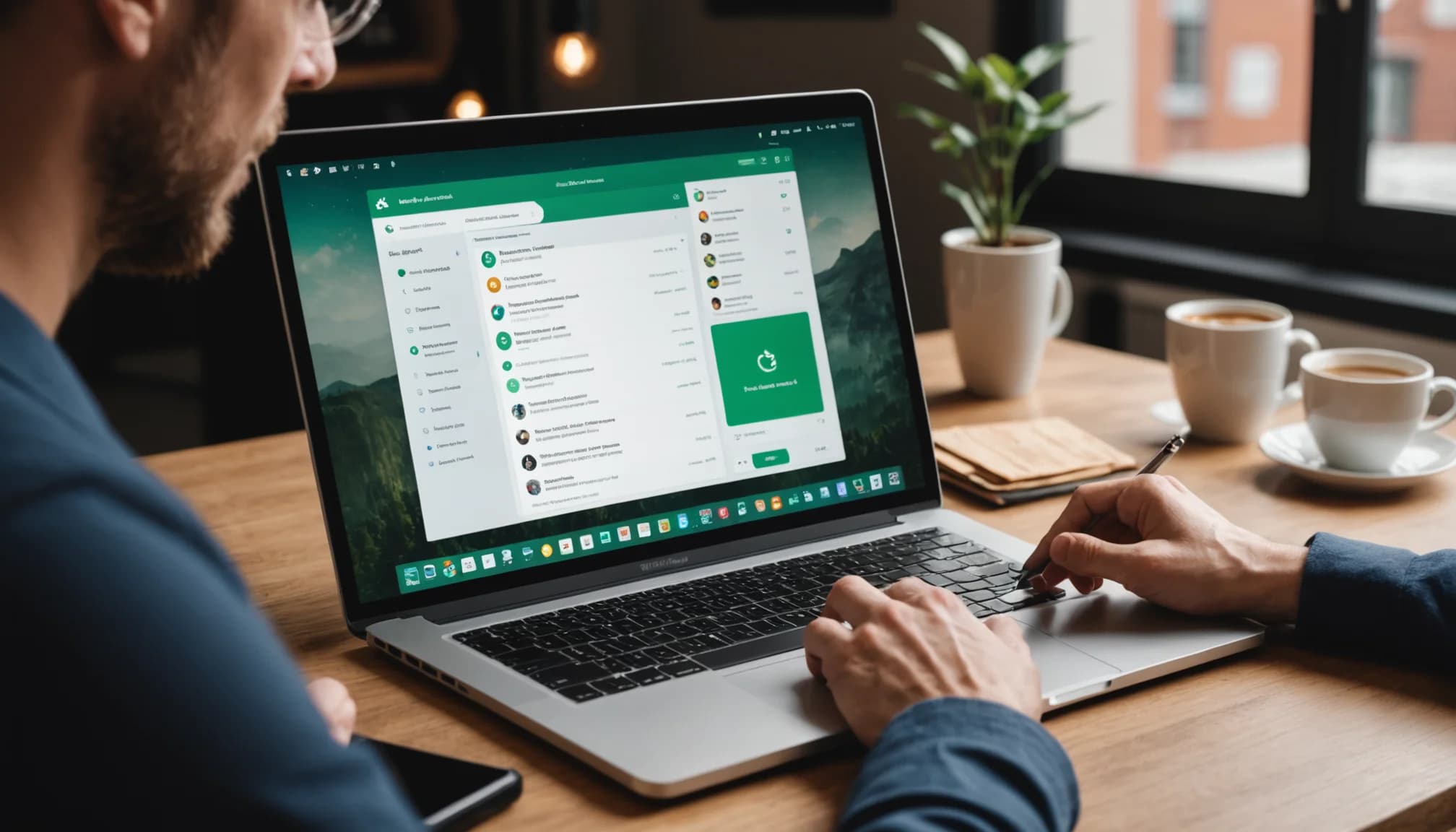
A small business software stack is the collection of integrated tools—CRM, accounting, email, and AI platforms—that work together to automate operations and drive growth without hiring more headcount. In 2026, the average small business owner spends roughly 40% of operational time on manual tasks: data entry, lead follow-up, invoice tracking, and customer communication. The right software stack eliminates that friction. But choosing one is harder than ever. There are thousands of point solutions, and most small businesses end up piecing together 13 or more disconnected tools—paying subscription fees for each, losing data between systems, and burning time on integration headaches. This guide walks you through the essential categories for a modern small business software stack in 2026, specific tools that work well together, and how to think about consolidation without sacrificing capability.
01
Why Your Small Business Needs a Unified Software Stack
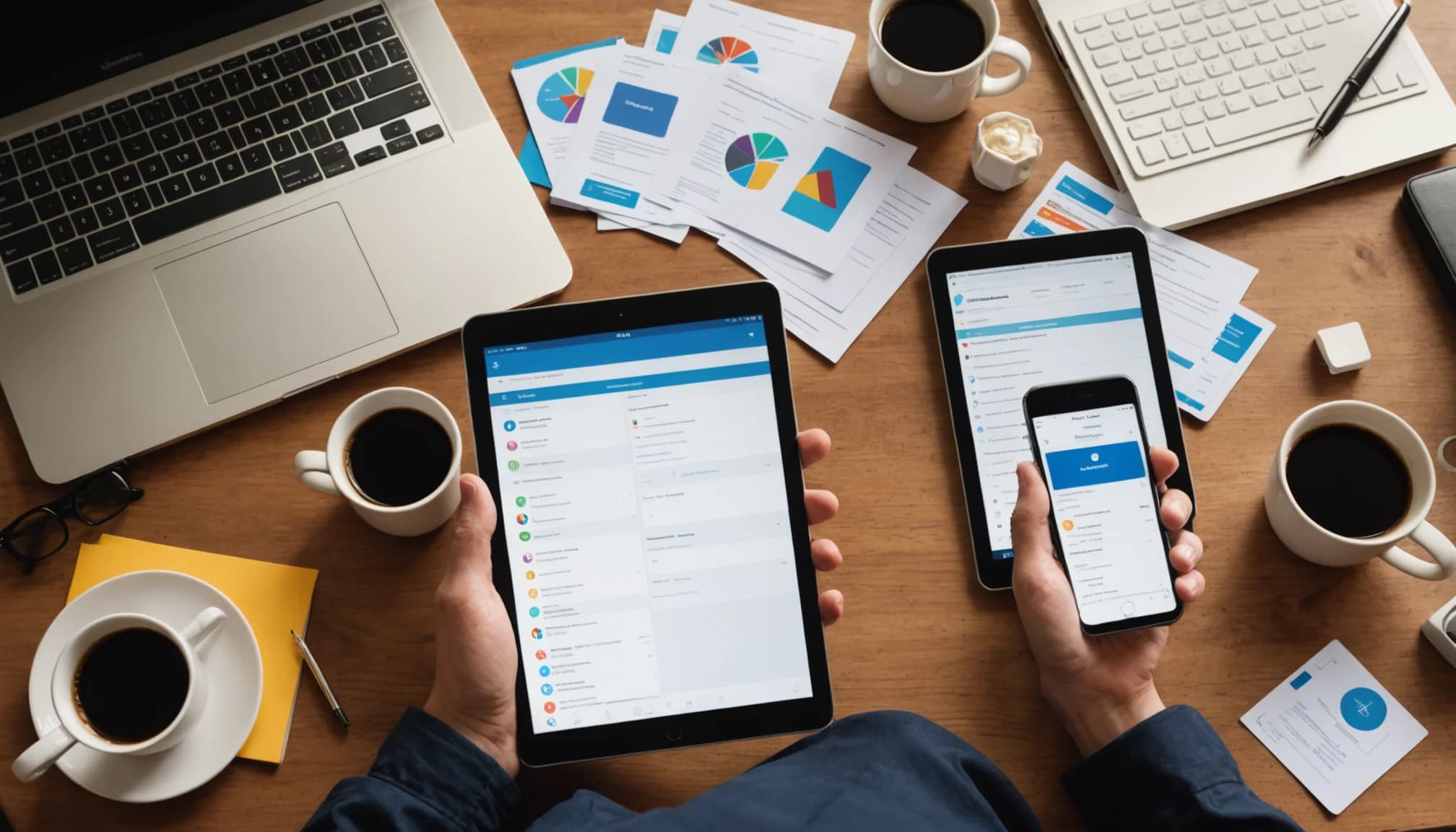
Small businesses operate with tight margins and lean teams. Unlike enterprises with dedicated ops, finance, and sales roles, you wear multiple hats. Your software stack either multiplies your impact or buries you in friction. When tools don't talk to each other, you re-enter the same customer data across CRM, email, accounting, and WhatsApp platforms. When they do integrate—or better, when they're built as a unified workspace—your team spends more time selling and serving, less time copying and pasting.
The cost of a fragmented stack goes beyond the subscription fees. Hidden costs include staff time spent on manual workflows, lost leads because follow-ups slip through the cracks, data inconsistencies that confuse reporting, and training overhead for each new platform. A recent report from the Small Business Entrepreneurship Council highlighted that businesses using integrated AI tools report 30% faster deal cycles and higher team adoption rates than those managing separate systems. In 2026, consolidation is not a luxury; it's a competitive necessity.
A unified small business software stack should do four core things: capture and organize customer data automatically; communicate across email, WhatsApp, and social channels without switching windows; identify and pursue high-intent leads in real time; and automate repetitive workflows. Tools that handle multiple categories reduce context-switching, lower total cost of ownership, and make reporting accurate because data lives in one source of truth.
02
Core Components of a 2026 Software Stack for Small Business

Every small business stack should start with three foundational layers. First: Customer Relationship Management (CRM). Your CRM is the central hub where all customer data lives—contact info, deal stage, email history, interaction timeline, and notes. In 2026, the best CRM platforms for small business auto-populate from email and messaging, so you don't manually create records. Second: Communication and Sales Engagement. This includes email, WhatsApp (both Personal and Business API), Instagram messaging, and increasingly, AI-native prospecting that finds in-market leads from real-time signals on Reddit, LinkedIn, X, Quora, Facebook, Instagram, TikTok, and YouTube instead of static databases. Third: Accounting and Financial Operations. Tools like Intuit's 2026 AI accounting software line now use machine learning to categorize expenses, reconcile accounts, and flag anomalies, cutting accounting prep time by 25-40%.
The fourth pillar—emerging in 2026—is agentic AI and workflow automation. AI agents can now draft prospect outreach, qualify leads, manage calendar scheduling, and even review contracts. Anthropic's Claude for Small Business, for example, was tested against complex financial documents and caught inconsistencies that traditional templates missed. This layer automates not just data entry, but decision-level tasks. Platforms like PandaDoc (voted #1 contract management software for small business in 2026) pair AI with contract workflows, reducing negotiation cycles from weeks to days.
Finally, many small business owners are moving toward unified workspaces—single platforms that bundle CRM, email, WhatsApp, AI prospecting, and automation. At $14.99 per person per month, a unified solution that replaces 13+ separate tools can reduce stack cost by 60-70% while cutting onboarding and training time in half. The trade-off is you're betting on one vendor's roadmap, but for businesses under 20 people, the operational simplicity often wins.
03
How to Choose Tools That Actually Work Together
Integration is the silent killer of software stacks. You can have best-in-class tools in each category, but if they don't share data, you've built a Frankenstein. In 2026, here's how to evaluate whether tools will work together: First, check if both platforms have native two-way integrations, not just one-way sync. If Tool A sends data to Tool B but changes in Tool B don't flow back to Tool A, you have a data consistency problem waiting to happen. Second, test the integration before you commit. Most platforms offer 14-30 day trials; use it to push real customer data through the stack and watch for delays or dropped fields.
Third, prioritize platforms with open APIs and Zapier support as a safety net. Zapier doesn't replace native integrations—it's slower and costs more—but it keeps you from being completely locked in if your primary integration breaks. Fourth, consider whether the vendor has a 'platform' mindset. If a CRM company only focuses on CRM and ignores email, messaging, or accounting integration, you're building your own workflow puzzle. Platforms designed as unified workspaces from day one handle integration more elegantly than point solutions bolted together.
A practical test: map your top 10 workflows (e.g., 'new lead enters → auto-qualify → send email → log to CRM → trigger WhatsApp follow-up → create task'). For each tool you're considering, ask the vendor or test it: can this workflow run end-to-end without manual steps? If the answer is 'mostly' or 'we're working on it', keep looking. The best small business software stacks in 2026 handle your critical workflows without friction.
04
Building Your Stack Around Your Business Model
There's no one-size-fits-all stack because small businesses are not all the same. A service agency needs different tools than an e-commerce brand or a consulting firm. For service-based businesses (agencies, consulting, freelance), your stack should prioritize: CRM with project/time tracking, email and calendar integration, invoice and proposal automation, and prospecting automation. You're selling relationships and expertise, so lead capture and rapid follow-up matter most. For e-commerce and product businesses, shift weight toward inventory management, Shopify or WooCommerce integration, customer support chatbots, and email marketing automation. You care less about agentic prospecting, more about retention and upsell. For B2B SaaS, your stack should emphasize usage analytics integration (how deeply are customers using your product?), renewal workflows, and AI-powered contract review for enterprise deals.
Within each model, ask: who is your buyer, how long is the sales cycle, and where do leads come from? If you're selling to SMBs with 30-day sales cycles and leads come from LinkedIn and warm referrals, you need prospecting tools that monitor LinkedIn intent signals and CRM that makes fast follow-up frictionless. If your sales cycle is 90+ days and deals are complex, invest in contract management and document automation—like PandaDoc—so your team spends less time managing paperwork and more time on relationships.
Once you've identified your core use cases, start with 2-3 tools, not 10. A unified CRM, email + WhatsApp communication layer, and one automation tool (or an agentic AI like Claude) covers 80% of workflows for most small businesses. Then add point solutions only when you hit a specific bottleneck. This approach keeps costs low, minimizes onboarding chaos, and lets you master your core tools before expanding.
05
Red Flags and Common Pitfalls in 2026 Software Stacks
The most common mistake is buying tools before defining workflows. Founders see a shiny new AI prospecting platform or contract tool and buy it, then struggle to fit it into their operations. Instead, write down your three biggest time sinks (e.g., 'manually entering leads into CRM,' 'chasing down contract signatures,' 'following up on cold emails'). Then find tools that solve those specific problems. You'll waste less money and adopt faster.
Second red flag: ignoring data security and compliance. In 2026, regulators are tightening rules around customer data, especially for WhatsApp and email in certain jurisdictions. Before committing to a stack, verify that tools are SOC 2 compliant (or equivalent), encrypt data in transit and at rest, and have clear data retention policies. A $15/month tool that exposes customer data is infinitely more expensive than a $50/month tool with proper security.
Third: overestimating your team's adoption. If you pick a stack with 15 features but your team uses 3, you're paying for bloat and complexity. The best tools for small business in 2026 are often the simplest—clear user interface, minimal configuration, strong defaults, and excellent mobile experience. Test with your actual team during the trial, not in a vacuum. If your team isn't using it, the tool isn't right, regardless of its feature list.
Key Takeaway
Building a small business software stack in 2026 is about ruthless prioritization. You need a CRM, a communication platform that spans email and WhatsApp, accounting automation, and an agentic AI layer for workflows and prospecting. But you don't need one tool for each layer if a unified platform handles multiple categories well. The trend in 2026 is clear: consolidation wins. Businesses that piece together 13+ disconnected tools spend more, move slower, and struggle with data consistency. Businesses that adopt unified workspaces—even if they give up a few niche features—free up time and budget to focus on customers and revenue. As you build your stack, remember: the goal is not to have the fanciest tools, but to eliminate manual work, speed up decisions, and keep customer data clean. A platform that combines CRM, native WhatsApp and email, agentic prospecting across social and community channels, and workflow automation at $14.99 per person per month is worth a serious look if you're consolidating. Whatever path you choose, start with your core workflows, test before scaling, and focus on adoption over feature count. The right small business software stack is not the one with the most bells and whistles; it's the one your team actually uses every day.
Frequently Asked Questions
What should a small business software stack include in 2026?
A modern stack needs four layers: a CRM to centralize customer data, communication tools spanning email and WhatsApp, accounting automation software (many now AI-powered), and agentic AI for prospecting and workflow automation. Many small businesses consolidate these into one unified platform rather than buying separate point solutions.
How many tools should a small business use?
Start with 2-3 core tools that integrate well, then add point solutions only when you hit specific bottlenecks. Most small businesses can run efficiently on 4-6 integrated tools; more than 13 is often a sign of fragmentation that costs time and money. The goal is workflow efficiency, not feature count.
What is the best way to integrate a small business software stack?
Prioritize native two-way integrations over one-way sync or third-party bridges. Test integrations before committing by running real data through a trial period. Choose platforms designed as unified workspaces—where integration is built in, not bolted on—rather than point solutions. Use Zapier as a safety net, not a primary strategy.
Should small businesses use AI tools in their software stack?
Yes. AI tools in 2026—like agentic prospecting, contract review, and accounting automation—eliminate manual work and speed up decisions. However, focus on AI that automates your specific bottlenecks (e.g., lead qualification, expense categorization) rather than adding AI for its own sake.