WhatsApp CRM Integration: Complete Guide for SMBs
Learn how to connect WhatsApp with your CRM to streamline customer communications and boost response times. A practical guide for small businesses.
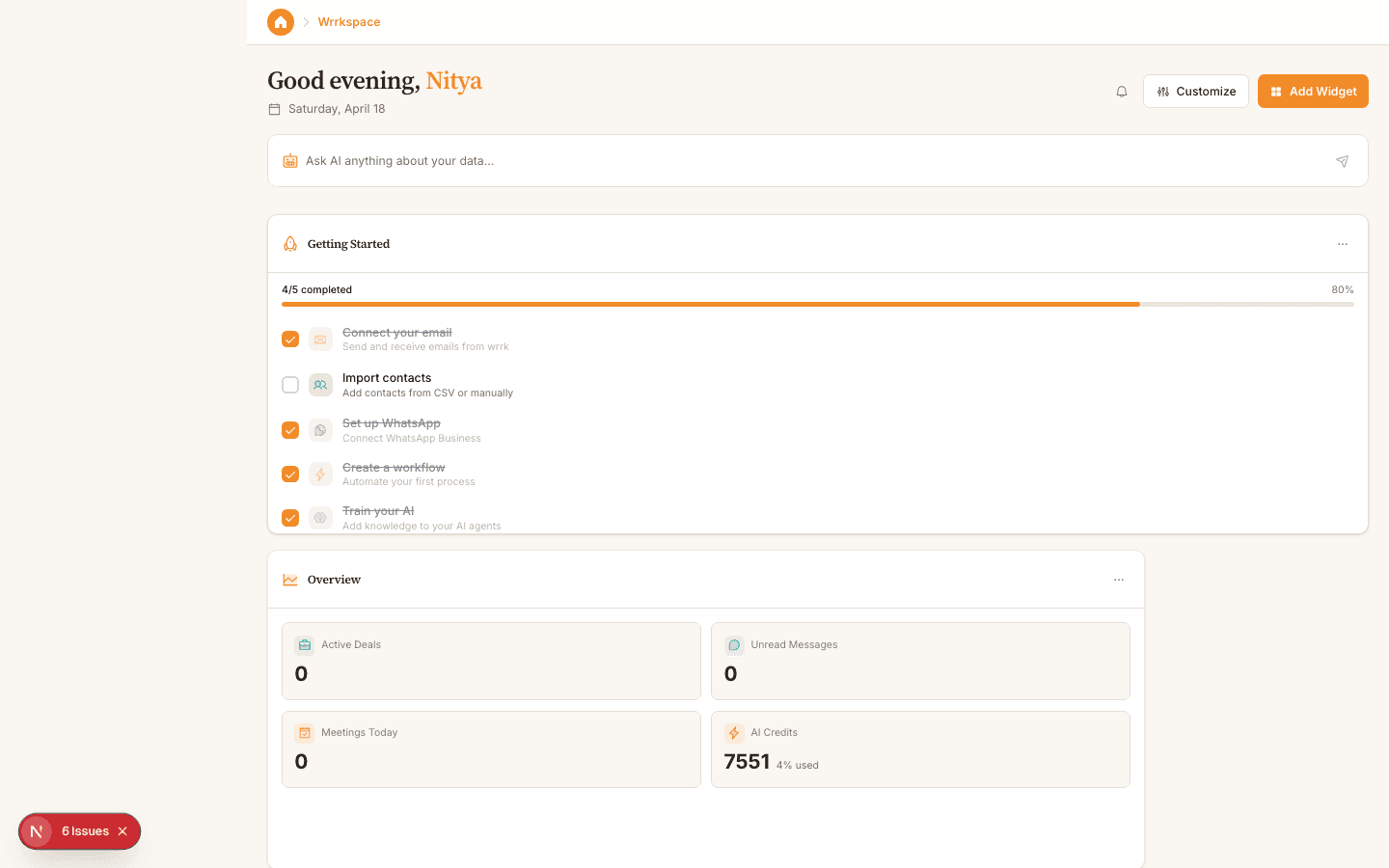
Customer communication has fundamentally shifted. According to Statista, WhatsApp has over 100 million business messages sent daily, yet most small businesses still manage these conversations separately from their customer data. This fragmentation creates missed follow-ups, duplicate efforts, and lost revenue opportunities. Integrating WhatsApp directly with your CRM bridges this gap, keeping all customer interactions—from initial inquiry to post-sale support—in one searchable history.
01
Why WhatsApp CRM Integration Matters for Your Business
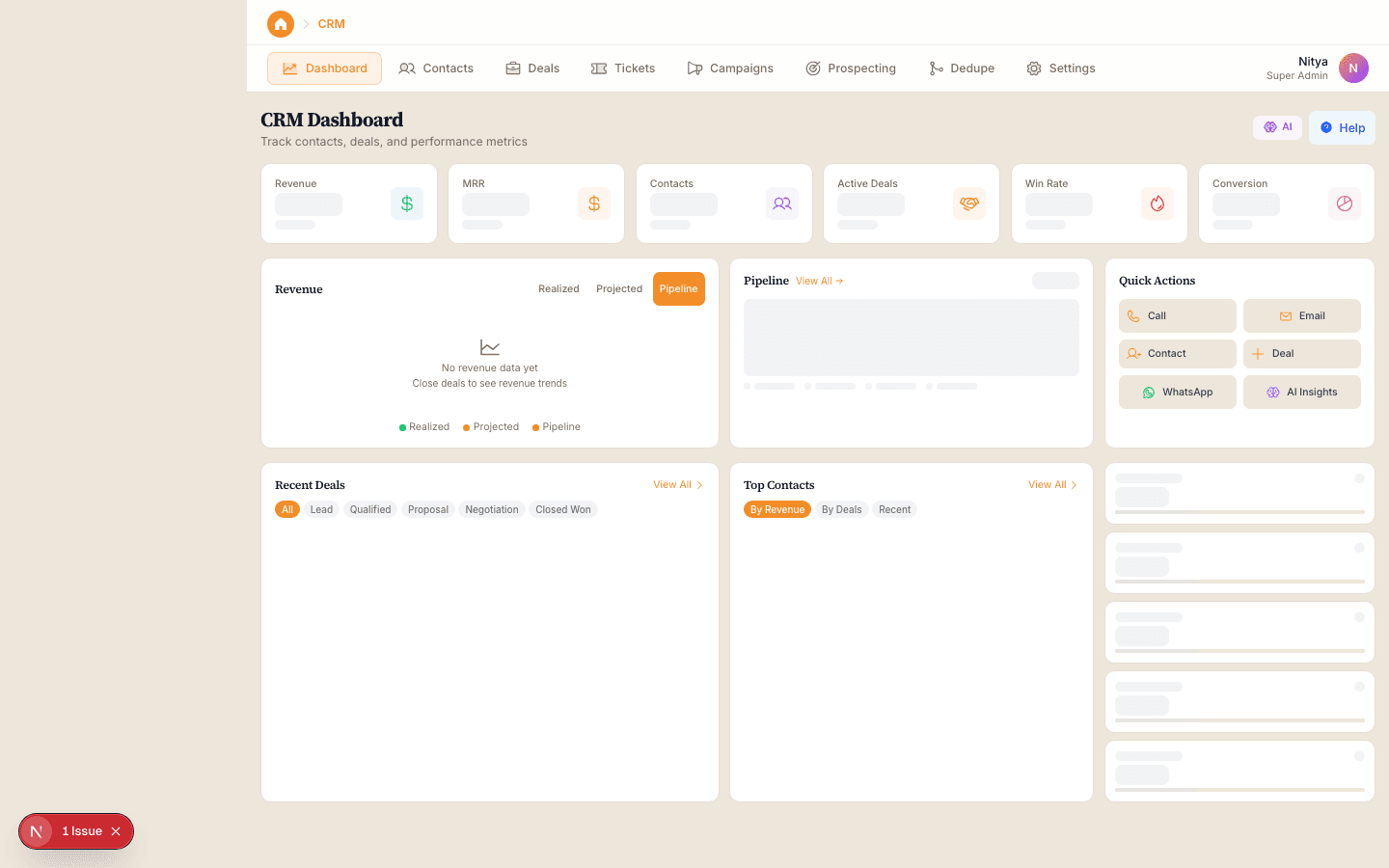
WhatsApp has become a primary communication channel for B2B and B2C interactions alike. Gartner research shows that 58% of customers prefer to communicate with businesses via messaging apps rather than email or phone. Yet when WhatsApp conversations exist in isolation—on personal or business phones—they create data silos that prevent your team from seeing the full customer picture.
When you integrate WhatsApp with your CRM, every message becomes part of a customer's permanent record. A sales rep can instantly see that a prospect asked about pricing three weeks ago without needing to dig through chat history. Support teams can access order history and past issues without asking customers to repeat themselves. This context reduces resolution time and improves customer satisfaction scores. Companies using integrated messaging report 23% shorter customer response times, according to HubSpot's State of Customer Service Report.
The business case is straightforward: teams spend less time hunting for information and more time solving problems. Response delays drop because conversations aren't scattered across multiple apps or devices. And critically, you capture data that would otherwise disappear into a messaging app's ephemeral nature—valuable signals about customer needs, objections, and preferences.
02
How to Implement WhatsApp CRM Integration
Most modern CRM platforms now offer native WhatsApp integration or support it through third-party connectors. The typical setup involves authenticating your WhatsApp Business Account, mapping incoming messages to customer records, and configuring which team members see which conversations. Some platforms use APIs for real-time syncing, while others use webhooks to log messages after they're sent. The technical requirements are usually minimal—often just granting the CRM platform permission to access your WhatsApp account.
Before integrating, audit your current WhatsApp usage. Determine how many team members send and receive messages, what information they need to capture, and what workflows should trigger automatically. For example, should a WhatsApp inquiry from a new contact automatically create a lead record? Should follow-up reminders appear in your CRM after 24 hours without a response? Defining these rules upfront prevents confusion during rollout. According to research from McKinsey, companies with clear integration protocols see 30% faster adoption rates.
Implementation typically takes 2-4 hours for small teams. Start with a pilot group—perhaps your sales or support team—to test workflows and identify gaps before rolling out company-wide. Document your process: which fields auto-populate, how customer names are matched, what happens to group chats. This documentation becomes your playbook for training new employees and troubleshooting issues.
03
Key Features to Look for in WhatsApp CRM Integration
Not all integrations are created equal. A robust WhatsApp CRM integration should offer message history synchronization—meaning conversations aren't just viewable in real-time but stored permanently in your CRM for compliance and reference. It should also support automated workflows, such as triggering a follow-up task when a customer message contains specific keywords like "urgent" or "complaint." Look for integrations that assign incoming messages to team members based on availability or department, not just push all messages to one inbox.
Media handling matters more than it might seem. Your integration should preserve images, PDFs, and videos sent via WhatsApp, especially important for support teams troubleshooting product issues or sales teams sharing product mockups. Additionally, confirm that the platform supports WhatsApp Business Account features like quick replies, message templates, and labels—these reduce typing time and standardize responses across your team.
Security and compliance are non-negotiable. Ensure the integration encrypts data in transit, complies with GDPR if you work with EU customers, and maintains audit trails showing who accessed which conversations. If you handle sensitive information—payment details, health data, legal matters—verify that your CRM's WhatsApp integration includes role-based access controls so junior staff don't see confidential discussions.
04
Best Practices for Managing WhatsApp Conversations in Your CRM
Once integrated, establish clear team guidelines for WhatsApp communication. Decide on response time targets—do you aim to reply within 2 hours, 4 hours, or next business day?—and surface these expectations in your CRM so team members know the SLA. Create a template library of common responses to boost consistency and speed. Document which issues can be fully resolved via WhatsApp versus those requiring phone or email follow-up. This prevents conversations from dragging on when a 5-minute call would be more efficient.
Use your CRM's reporting features to track WhatsApp performance. Monitor metrics like first-response time, resolution time, and customer satisfaction scores for messages versus other channels. According to Sprout Social, businesses tracking channel-specific metrics improve response quality by 19%. Set up dashboards that show your team's WhatsApp volume by day and time, highlighting peak periods when you may need additional coverage.
Finally, integrate WhatsApp conversations into your broader CRM workflows. If a customer inquires via WhatsApp about a product, make sure that conversation links to their lead record and syncs with your email follow-ups. If they convert to a customer, ensure WhatsApp becomes part of their ongoing support channel. This interconnectedness transforms WhatsApp from a standalone messaging tool into a core part of your customer relationship infrastructure.
Key Takeaway
WhatsApp CRM integration isn't a luxury—it's becoming essential for businesses that want to meet customers where they already are. By centralizing WhatsApp conversations within your CRM, you eliminate silos, accelerate response times, and build better relationships on the channel your customers prefer. The implementation is straightforward, the ROI is measurable, and the competitive advantage is real. Start by mapping your current communication flow and identifying which team would benefit most from integration, then pilot the solution before expanding across your organization.