WhatsApp Business Automation Guide: Systems That Work
Learn how to automate WhatsApp messaging, reduce manual work, and respond to customers instantly. This guide covers practical automation strategies for small teams.
WhatsApp reaches 2 billion users globally, and 80% of businesses now recognize it as a critical customer communication channel. Yet most small and mid-size businesses still manage WhatsApp conversations manually, losing hours to repetitive tasks and risking delayed responses that hurt customer satisfaction. Automating your WhatsApp business communication isn't just about efficiency—it's about meeting customers where they are, at scale.
01
Why WhatsApp Business Automation Matters for Your Team
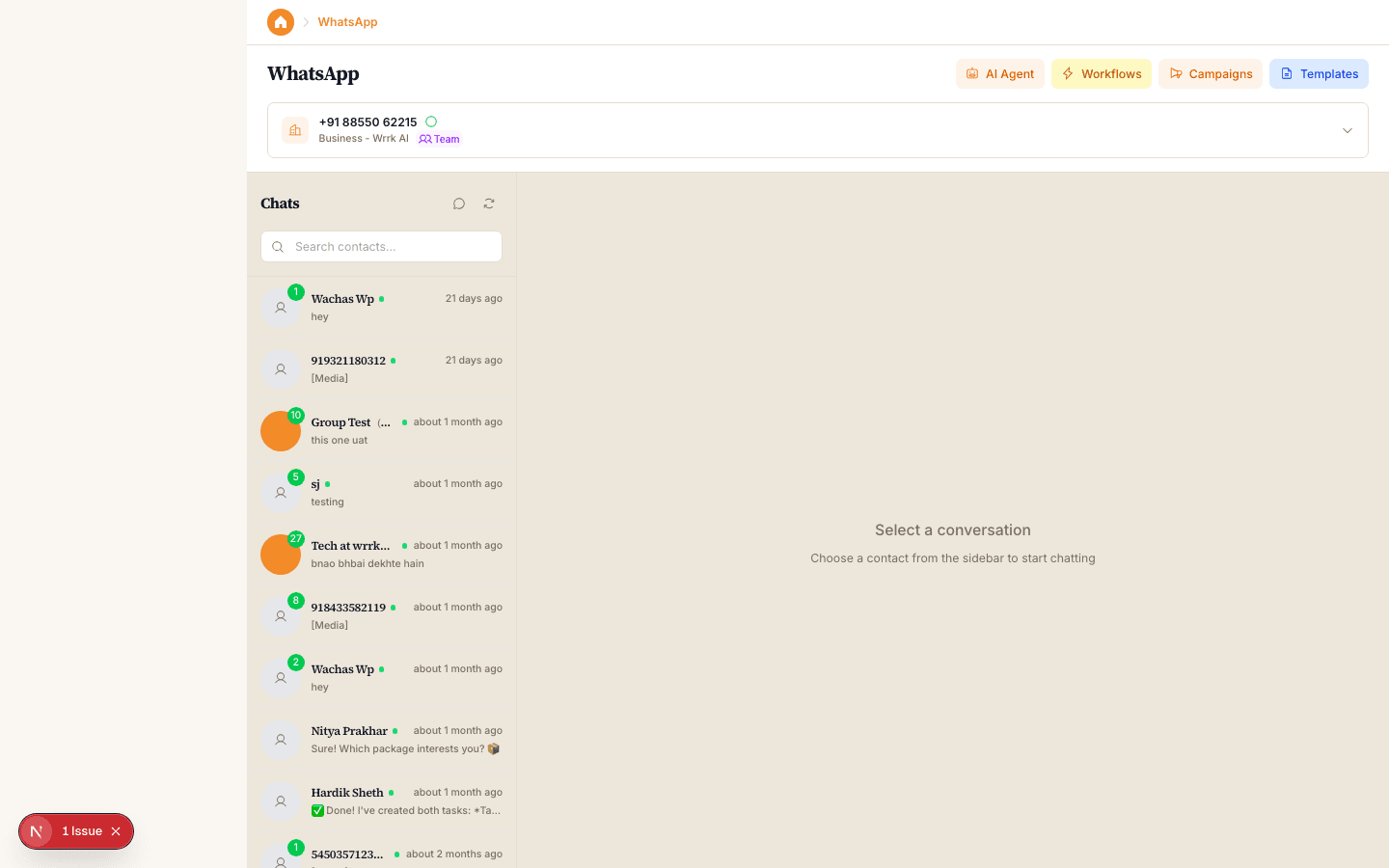
Manual WhatsApp management creates bottlenecks. When your team handles every inquiry individually, response times slow down, messages get missed, and your best people spend time on tasks that could be handled automatically. According to a 2024 Statista survey, 45% of SMBs cite slow response times as their biggest customer service challenge. WhatsApp automation directly addresses this—it ensures no inquiry goes unanswered and frees your team to focus on complex, revenue-driving conversations.
The cost of inaction is real. Each manual message your team sends takes 2-3 minutes on average when you factor in context-switching, typing, and checking for accuracy. For a business handling 100+ inquiries daily, that's 200-300 minutes (3-5 hours) of labor every single day. Automation reduces that to seconds per customer interaction through templated responses, intelligent routing, and AI-powered replies.
Customers expect it. A Zendesk report found that 71% of customers now expect businesses to respond within 24 hours on messaging platforms. WhatsApp automation ensures you hit this benchmark consistently, regardless of staff availability or time zones. This consistency directly correlates with higher customer retention and lifetime value.
02
Core WhatsApp Business Automation Strategies
Automated welcome messages and quick replies form the foundation of any WhatsApp automation strategy. When a customer first contacts your business, an instant welcome message sets expectations, qualifies the inquiry, and provides initial information or next steps. Quick replies (pre-written messages triggered by keywords) handle common questions—'What are your hours?', 'Do you ship internationally?', 'How do I track my order?'—without any human intervention. This approach reduces first-response time from hours to seconds.
Template-based messaging takes efficiency further. WhatsApp Business API templates are pre-approved message formats you can send at scale for order confirmations, appointment reminders, shipping notifications, and support follow-ups. Research from HubSpot shows that templated transactional messages have a 99% delivery rate and significantly reduce cart abandonment. Unlike promotional messages, these transactional notifications arrive reliably and don't clutter your customer's chat thread with spam.
Chatbot-powered automation handles complex workflows. Modern WhatsApp chatbots can qualify leads, collect customer information, process simple transactions, and escalate to human agents when needed. A well-configured bot might handle 60-70% of incoming inquiries entirely on its own. The key is training it on your actual customer questions and continuously refining its responses based on real conversations. Bots that attempt to handle too much without proper training frustrate customers quickly.
03
Building a WhatsApp Automation Workflow for Your Business
Start by mapping your customer journey and identifying repetitive touchpoints. Where do most inquiries originate? What questions do you answer repeatedly? What information do you always need from customers? Plot these on a simple flowchart: inquiry comes in → type of question → appropriate response or action. For example, a product business might route product questions to a quick reply, support complaints to a chatbot that collects details, and bulk orders to a human agent. This clarity prevents over-automating and keeps you efficient.
Implement conditional logic to create truly intelligent workflows. Instead of one-size-fits-all automation, use conditional automation: if a customer asks about pricing, send a price list; if they ask about returns, send a returns policy; if they say 'urgent', flag the message for immediate human review. This requires some initial setup but dramatically improves customer experience. The most effective businesses use automation to route inquiries intelligently rather than attempt to respond to everything automatically.
Monitor and iterate based on data. After three weeks of running automations, audit your results. What percentage of inquiries are fully resolved by automation? How many require human follow-up? What questions consistently slip through? Use this data to refine your templates, add new quick replies, or retrain your chatbot. Automation that isn't performing should be adjusted or removed—the goal is efficiency and satisfaction, not automation for its own sake.
04
Best Practices and Common Pitfalls to Avoid
Personalization matters even in automated messages. While templating saves time, robotic responses damage trust. Include the customer's name when possible, reference their specific inquiry, and write in your brand's natural voice. A/B test your templates—one business might achieve 40% higher follow-through with a casual tone while another sees better results with formal language. The point is to test and adapt to your audience, not to assume all customers prefer the same experience.
Escalation protocols prevent frustration. The biggest failure of poorly implemented automation is when customers get stuck in a loop, unable to reach a human. Always include a clear path to human support—buttons like 'Talk to an agent,' 'Speak with support,' or 'This didn't help'—and actually monitor those escalations. Customers who escalate represent your most frustrated segment; responding to them quickly and thoroughly can turn a negative experience into loyalty.
Compliance and privacy are non-negotiable. WhatsApp requires explicit opt-in consent before sending automated marketing messages. Transactional messages (order confirmations, password resets) have different rules than promotional messages. Violating these guidelines can get your business number banned. Audit your automation setup quarterly to ensure you're not oversending, respecting customer preferences, and protecting data according to GDPR, CCPA, or other relevant regulations in your industry.
Key Takeaway
WhatsApp business automation transforms how small and mid-size businesses scale customer communication without scaling their team. Start with your most repetitive tasks, automate those first, and build from there. Platforms that unify WhatsApp with CRM, email, and other channels make this work far simpler—you get one place to manage, monitor, and measure all your customer interactions. The businesses winning in 2024 aren't the ones doing more manually; they're the ones automating intelligently.