CRM Data Entry Automation: Stop Manual Work
Manual data entry in CRMs wastes 30% of sales team time. Automation eliminates this friction, improves accuracy, and frees your team to focus on selling.
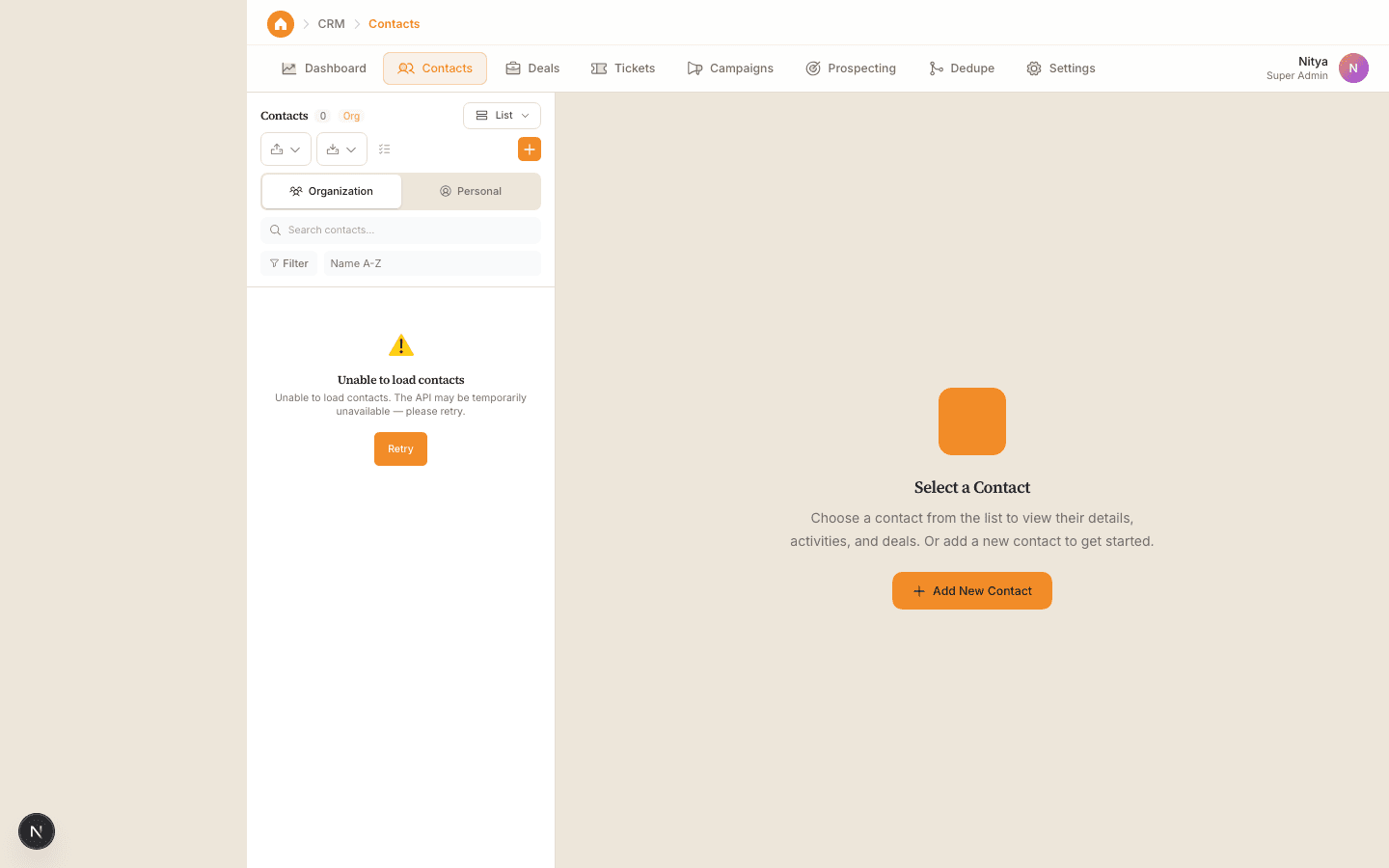
Sales teams spend an average of 21 hours per week on administrative tasks, with data entry consuming nearly a third of that time. For small and mid-size businesses operating with lean teams, this represents thousands of wasted hours annually that could be spent closing deals. CRM data entry automation addresses this directly by capturing, organizing, and updating customer information without manual intervention.
01
Why Manual CRM Data Entry Costs You More Than Time
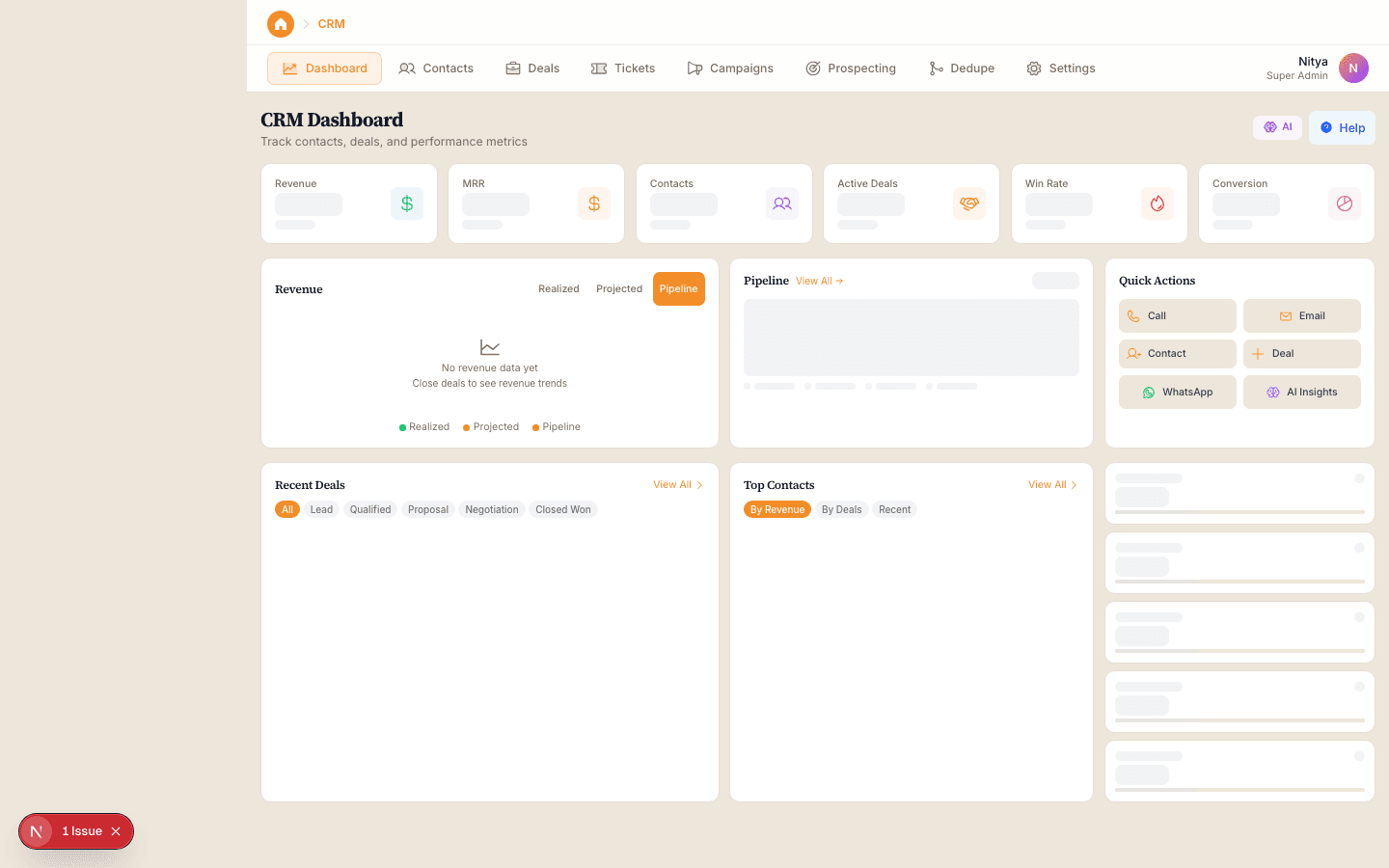
Manual data entry isn't just tedious—it's expensive and error-prone. According to a Forrester study, sales teams with high manual data entry rates experience 15-20% more data quality issues, leading to missed follow-ups, duplicated contacts, and inaccurate reporting. When your sales rep spends 30 minutes typing contact details instead of reaching out to prospects, that's a direct hit to pipeline velocity.
The financial impact compounds quickly. A sales rep earning $50,000 annually spends roughly $10,000 worth of labor hours on manual CRM work each year. For a 10-person sales team, that's $100,000 in productivity lost to tasks that could be automated. Beyond salary cost, poor data quality erodes trust in your CRM, causing teams to work around the system rather than within it.
Beyond the numbers, inconsistent data entry creates downstream problems. Duplicate records confuse follow-up workflows. Incomplete contact information leads to miscommunications. Misspelled company names break reporting. These small errors accumulate into systemic CRM hygiene issues that make it harder to identify trends, forecast accurately, or segment customers effectively.
02
Automated Data Capture: From Multiple Channels to One Record
Modern CRM data entry automation pulls information from multiple touchpoints—email, web forms, messaging apps, and integrations—and populates your CRM automatically. Instead of your team manually typing in contact details from an email signature or copying data from a form submission, the system recognizes the information and files it correctly in seconds.
Email-to-CRM automation is particularly powerful for small businesses. When a prospect emails your sales team, the system can extract their name, company, email, and phone number, create or update their contact record, and log the conversation—all without manual action. According to HubSpot, teams using email-to-CRM automation see a 30% improvement in contact data completeness compared to manual entry.
The key is mapping the right fields and setting clear rules. Your automation should know that 'Company Name' from a web form maps to the 'Organization' field in your CRM. It should recognize duplicate records and merge them rather than creating duplicates. Well-configured automation eliminates decision fatigue and keeps data consistent across your entire business.
03
Workflow Automation for Ongoing CRM Data Entry Tasks
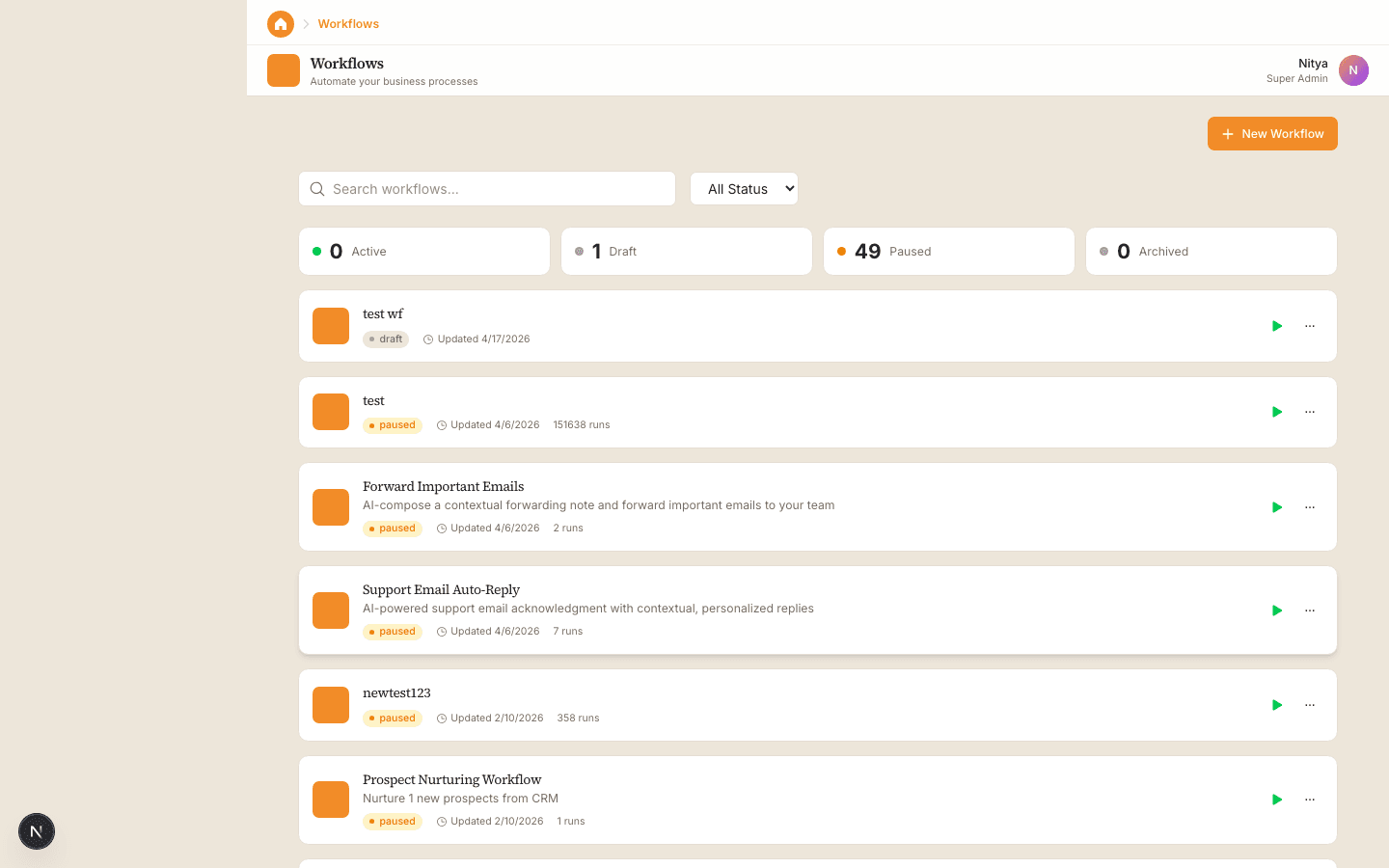
Data entry doesn't stop after initial contact capture. Ongoing updates—call notes, meeting outcomes, deal stage changes, follow-up dates—traditionally require manual CRM updates. Workflow automation handles this by triggering automatic field updates based on predefined conditions. When an email is marked as replied to, the system updates the 'Last Contact Date.' When a deal is closed, it automatically logs the close date and updates forecasting fields.
Conditional logic makes workflows smart. For example: 'If a customer hasn't been contacted in 60 days, flag them for outreach.' Or 'If a deal value exceeds $50,000, notify management and create a follow-up task for one week after close.' These rules run in the background, keeping your CRM current without anyone touching a keyboard. Pipedrive reports that teams using workflow automation reduce data entry time by 40-50%.
Integration is the multiplier effect. Connect your CRM to your email, calendar, phone system, and messaging platforms. When a call is logged, pull the notes into the CRM. When a meeting is scheduled, update the 'Next Contact Date' field. When a proposal is sent from your email, create a task to follow up in 5 days. Each integration eliminates another manual step.
04
AI-Powered Data Enrichment and Validation
Beyond automation, AI now handles data enrichment and validation. Instead of relying solely on information your team enters, AI tools can validate phone numbers, verify email addresses, and enrich incomplete records with publicly available data. If a contact record is missing company size or industry information, the system can look it up automatically. This keeps your CRM more complete without asking your team to do additional work.
Data validation prevents garbage-in scenarios from the start. When a phone number is entered in the wrong format, the system corrects it. When an email domain doesn't exist, it flags it for review before saving. Duplicate detection catches records that look similar and suggests merges. These guardrails maintain data hygiene and reduce cleanup work later.
Predictive data also adds value. AI can analyze historical customer data to suggest the most likely next contact date, predict deal probability based on engagement patterns, or flag accounts at risk of churn. These enrichments happen automatically and help your team make better decisions without requiring manual analysis.
Key Takeaway
CRM data entry automation isn't a nice-to-have—it's essential infrastructure for teams that can't afford to waste hours on administrative work. By automating data capture, workflow updates, and data enrichment, you reclaim time for your sales team to focus on relationships and revenue. Platforms that combine CRM with integrated automation tools like WRRK make implementation straightforward, allowing even small teams to get the efficiency gains that typically require larger tech stacks.