Automate Repetitive Tasks at Work: A Complete Guide
Automating repetitive tasks eliminates manual work, cuts errors, and frees your team to focus on high-value activities. Here's how to start.

Knowledge workers spend an average of 25% of their day on repetitive, low-value tasks—data entry, email sorting, follow-ups, and status updates that drain productivity and invite errors. Automating repetitive tasks at work is the process of using software, workflows, and AI to execute routine operations without manual intervention, allowing your team to reclaim hours each week. For small and mid-size businesses, the payoff is immediate: fewer mistakes, faster turnaround times, and staff who can focus on strategy instead of busywork. This guide walks you through the most effective automation approaches, real-world examples, and how to choose the right tools for your operation.
01
Why Your Team Is Losing Productivity to Repetitive Work

Repetitive tasks are invisible time thieves. A sales rep manually entering contact details into a CRM, a support agent copying customer issues into a ticket system, or a marketer scheduling social posts one by one—each task takes just a few minutes, but multiply that across a team and a month, and you're looking at hundreds of lost hours. Research on digital innovation and automation from Boise State University underscores that businesses that fail to automate face compounding inefficiency; as your team grows, manual processes scale linearly with headcount instead of staying flat.
Beyond wasted time, repetitive manual work introduces human error at scale. A mistyped email address, a duplicate contact entry, or a follow-up that slips through the cracks can damage customer relationships and create compliance headaches. When the same task is performed dozens of times daily, the cognitive load increases and accuracy drops. Automating repetitive tasks eliminates this variability—the same workflow runs identically every time.
Perhaps most critically, repetitive work erodes employee engagement. Staff want to solve problems and create value, not process data. When team members spend their day on mechanical tasks, turnover rises and morale suffers. Conversely, businesses that automate routine work report higher retention and better quality of work on tasks that actually require human judgment and creativity.
02
What Tasks Should You Automate First?
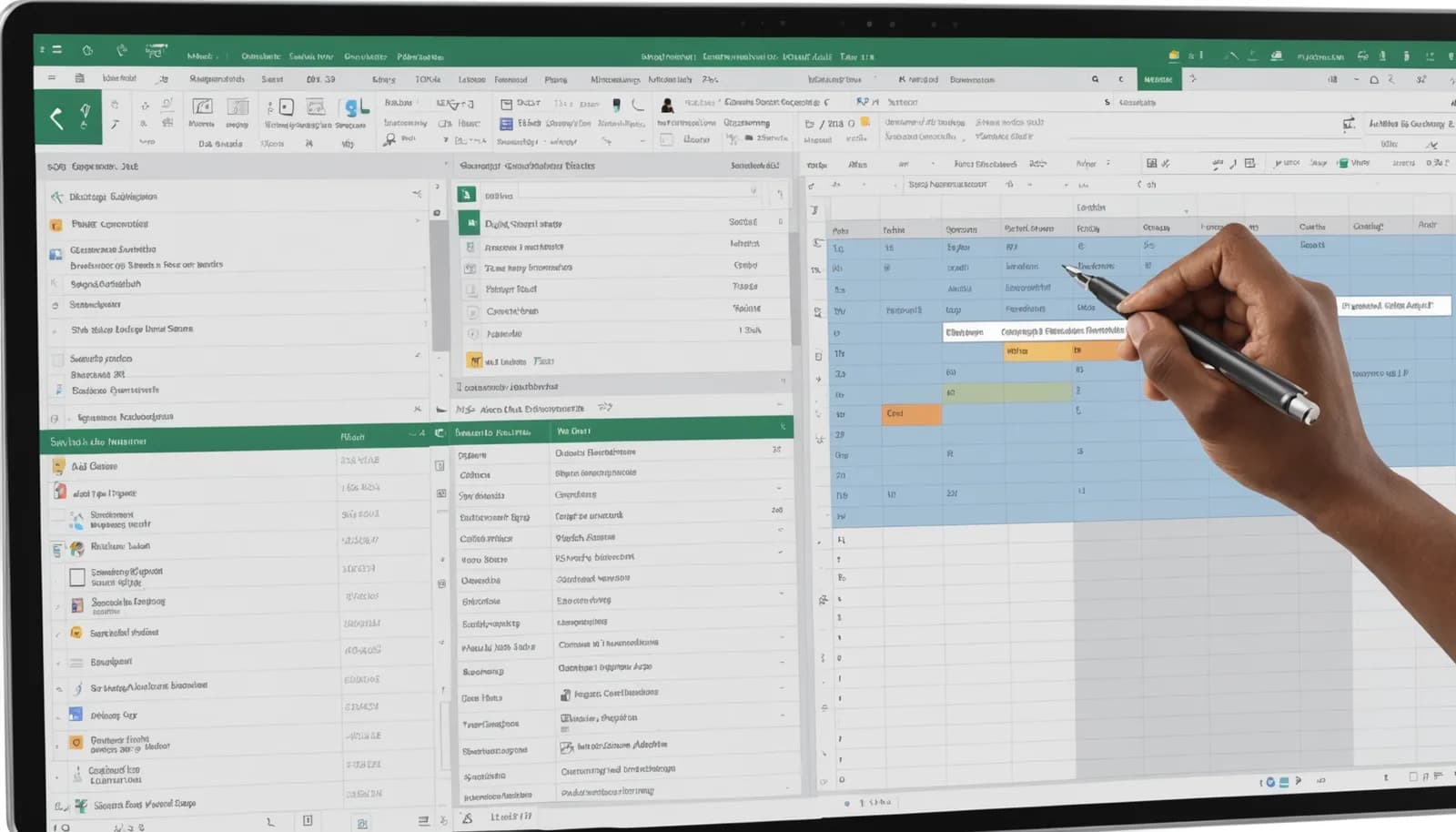
Not all tasks are equally worth automating. The best candidates are high-frequency, low-complexity, and rule-based. Email management is a classic example: rules can automatically sort incoming messages by sender or keyword, flag urgent items, and send templated replies. Data entry is another prime target—when a customer fills out a web form, that data should flow directly into your CRM without anyone typing it in again. As How-To Geek noted, tools like Copilot are now helping teams stop wasting time on repetitive Excel tasks by automating calculations and formatting.
Lead follow-up sequences are another high-impact automation target. Instead of a sales rep manually sending a series of emails over weeks, a workflow can trigger automated messages based on customer behavior—opened email, visited a page, abandoned a cart—and only escalate to the human team when engagement hits a threshold. Similarly, invoice reminders, appointment confirmations, and status updates can all run on a schedule or trigger without touching a human hand.
A practical framework: audit your team's calendar and activity logs for any task that occurs more than twice per week, takes less than 10 minutes each time, and follows a consistent pattern. These are your quick wins. For SMBs, tools like WRRK combine AI prospecting, email, CRM, and workflow automation in one platform at $14.99 per person per month—eliminating the need to bolt together multiple point solutions and removing friction from end-to-end automation.
Multi-step workflows involving different departments or tools are also prime candidates. For instance, when a new customer is added to your CRM, automatically create a project in your management tool, send a welcome email, and add them to your mailing list. Unified platforms make this easier because the data lives in one place and updates propagate instantly.
03
How to Build Repeatable Workflows Without Code
Modern no-code and low-code automation platforms mean you don't need a developer to automate repetitive tasks. Services like Zapier, Make, and native workflow builders in CRMs allow you to create 'if this, then that' logic: if a form is submitted, then create a contact; if a deal reaches stage X, then send a notification. These tools use a visual interface where you connect apps and actions, making automation accessible to non-technical users.
Start with a single workflow and test it thoroughly before rolling it out. Document the rule in plain language first: 'When a customer completes a purchase, send them an order confirmation email, create an invoice, and add them to the VIP segment.' Then map that logic in your automation tool. Most platforms let you set conditions (if customer value > $1,000), delays (wait 3 days before follow-up), and multiple actions (email AND SMS AND CRM update).
As Amazon Web Services highlighted in their Quick Flows capability, the key to scalable automation is building it once and letting it run continuously. This reduces manual handoffs and keeps data synchronized across tools. For teams using email-first workflows, platforms like WRRK auto-build your CRM from incoming email—eliminating data-entry automation problems before they start, since every prospect interaction is logged automatically.
The most effective teams document their workflows in a shared repository and iterate on them monthly. If a process isn't working, you can pause it, adjust the rules, and restart. Over time, you build a library of proven workflows that scale with your business without adding headcount.
04
Choosing Between Specialized Tools and Unified Platforms
There are two approaches to automating repetitive tasks: point solutions (a best-in-class tool for each function) and unified platforms (one tool that handles CRM, email, workflows, and more). Point solutions offer depth—Zapier is arguably the best general integrator, Mailchimp excels at email—but they create data silos and require manual syncing between systems. Unified platforms reduce friction by centralizing data and building automation within one ecosystem, where your CRM, email, chat, and workflows all share the same database.
For small to mid-size teams, unified platforms often win on simplicity and cost. Instead of paying for 8-12 separate tools, a platform like WRRK provides AI-powered prospecting (finding in-market leads by real-time intent), native WhatsApp and Instagram messaging, email, CRM, and workflow automation—all integrated at a single price point of $14.99 per person per month. The time you save on integration setup and data reconciliation adds up fast, especially as your team scales.
The trade-off is customization. Specialized tools often offer deeper functionality in their domain, whereas unified platforms are generalist. Assess your actual needs: if your business is email-marketing-first, Mailchimp might be sufficient; if you're running a multi-channel sales operation, a unified workspace cuts integration headaches by an order of magnitude.
A practical decision rubric: count how many tools you currently use. If it's five or fewer, point solutions may work fine. If it's eight or more, the cost and complexity of integrating them (and keeping data in sync) often exceeds the benefit of having specialists. Unified platforms are built to reduce tool sprawl and automate data flow between functions—which itself is a form of automation that saves your team hours per week.
Key Takeaway
Automating repetitive tasks at work is no longer a luxury—it's a necessity for any business that wants to compete on speed and accuracy. The payoff is clear: fewer errors, faster workflows, higher employee engagement, and lower overall labor cost per transaction. Start small, pick your highest-frequency, most painful manual task, and automate it. Document the workflow, measure the time saved, and use that as a proof point to justify rolling out automation across your operation. As your business grows, a unified platform that combines CRM, email, messaging, and native workflow automation will scale far more efficiently than a patchwork of point tools. The result is a lean, AI-augmented operation where your team focuses on relationships and strategy, not data entry.
Frequently Asked Questions
What is the best way to automate repetitive tasks in Excel?
The simplest approach is to use Excel's built-in automation features: create formulas for calculations, use conditional formatting for rules, and set up macros for multi-step tasks. For more complex automation, tools like Power Automate or Copilot can pull data from external sources, perform operations, and populate sheets without manual intervention—eliminating hours of copy-paste work.
How much time can automation save a typical small business?
A typical SMB can save 10–15 hours per week per employee by automating routine tasks like data entry, email, and follow-ups. For a five-person team, that's 50–75 hours per week—equivalent to one full-time staff member—redirected toward growth and client work. ROI is usually realized within the first month.
Can automation replace human judgment in business processes?
Automation excels at rule-based, repetitive work; it cannot replace judgment, creativity, or nuanced decision-making. The best approach is hybrid: automate the mechanical steps (data entry, sorting, routing) so humans can focus on high-value activities like negotiation, strategy, and relationship-building.
What is the difference between workflow automation and RPA?
Workflow automation connects two or more apps and triggers actions when conditions are met (e.g., if form submitted, send email). RPA (Robotic Process Automation) is more advanced, emulating human actions on screen and handling complex, multi-system tasks. For most SMBs, workflow automation via platforms like WRRK or Zapier is sufficient and easier to set up.